Operating Manual – Description of the Device
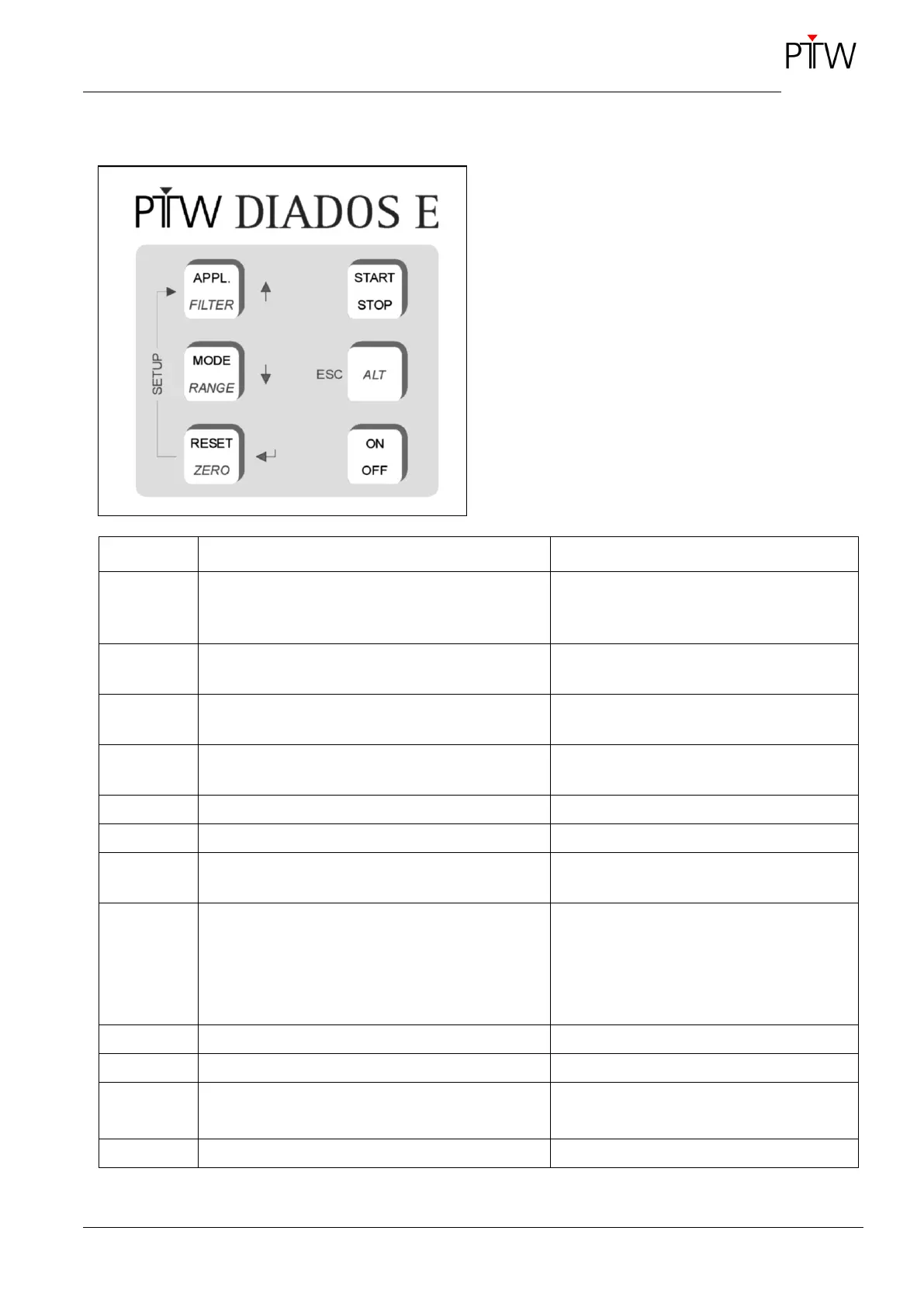
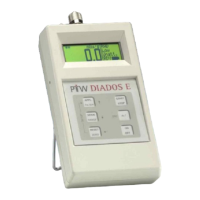
1.4 Keypad
Figure 4: DIADOS E keypad
The second function of a key (indicated in italics) is
activated with the combination of ALT key + the re-
spective key.
selects the application
RAD, DENT, CT, MamM/M, MamM/R, MamW/A,
MamW/R, MamR/R, MamWAg
Only calibrated applications can be select-
ed.
toggles between the calibration factors
in front of ↔ behind the phantom
combination of keys ALT + APPL.
toggles between pulsed mode ↔ normal mode
in the pulsed mode, the unit is displayed in
reverse video
toggles between the measuring ranges
Auto Range, Low, Medium and High
combination of keys ALT + MODE
resets the display to zero
combination of keys ALT + RESET
manually starts/stops a dose measurement
activates the second function of a key
toggles between dose, dose rate and time in
normal mode and
between dose, dose/pulse and pulse in pulsed
mode
You can toggle during and after the meas-
urement.
turns the device ON and OFF
combination of keys RESET + APPL.
used to navigate in the Setup menu
selects the sub-menu
used to exit the sub-menu/Setup menu


 To Next Page