INSTALLATION
TMC-7DSP/TMC-6DSP Color CCD Camera Page 11
Note: Make sure that the power is removed from the camera before connecting or
disconnecting the auto-iris lens. There is a small chance that damage could occur to
the auto-iris lens by plugging or unplugging it while the camera is powered up.
Power down the camera before installing the auto-iris lens. Point the camera at a light area and then
quickly towards a darker area. If everything is working properly, the iris should adjust for the light
change.
2.2.7 Monitor Display Mode
For monitoring real time video, connect the video output to a video monitor or other device.
2.3 Camera Alignment and Adjustment
2.3.1 Equipment
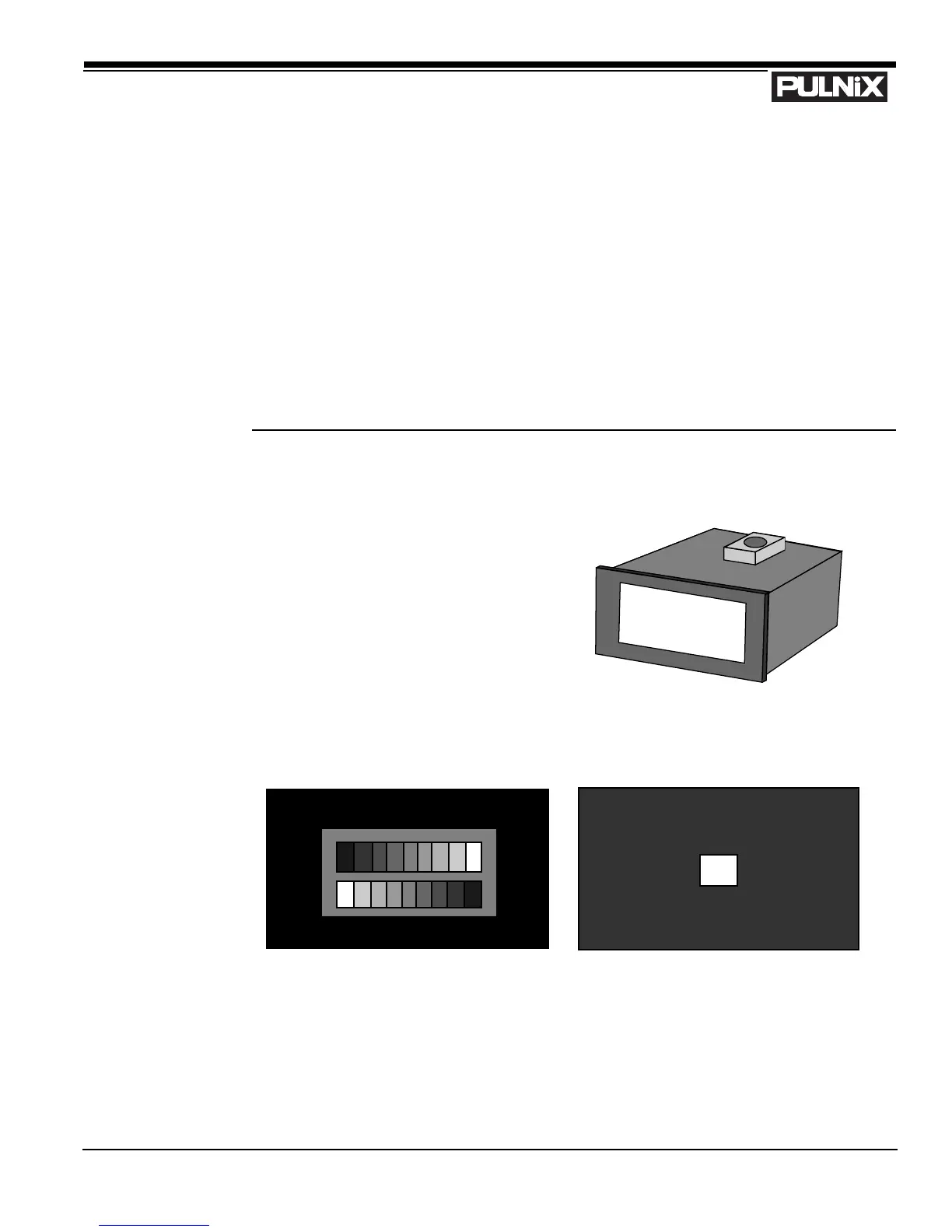
2.3.1 (a) Light Source for Test Chart
Pattern Box PTB-500 (90-130V)
PTB-220 (190-240V) (not used in the U.S.)
2.3.1 (b) Video and Gamma Adjustment


 To Next Page