Details
Check the detailed counting results
Operation
-18-
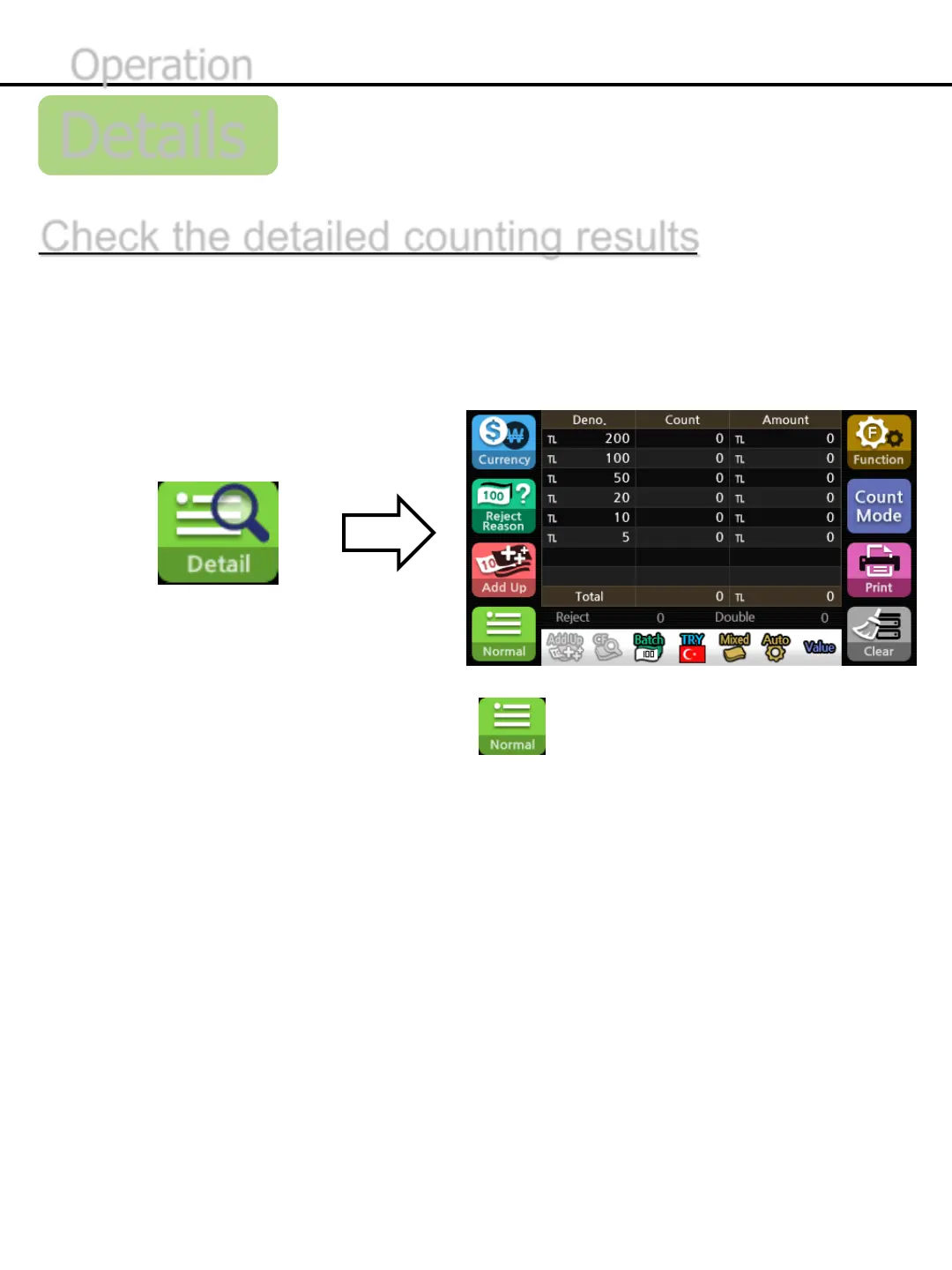
The table shows the denomination, the number of each denominations and the
amount of the summation value of each denominations as well.
1) Press the button below to confirm the detail of counting results.
2) After completion of checking the detail, press the button to exit.
*When you start counting at the detail mode, it automatically switches to normal mode. When the counting is
finished, it returns to the detail mode again.


 To Next Page