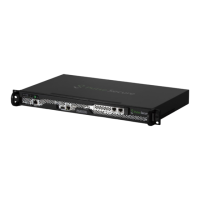
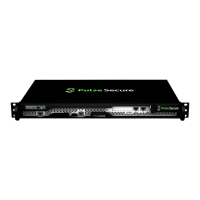
Step 5 - Mount the Chassis
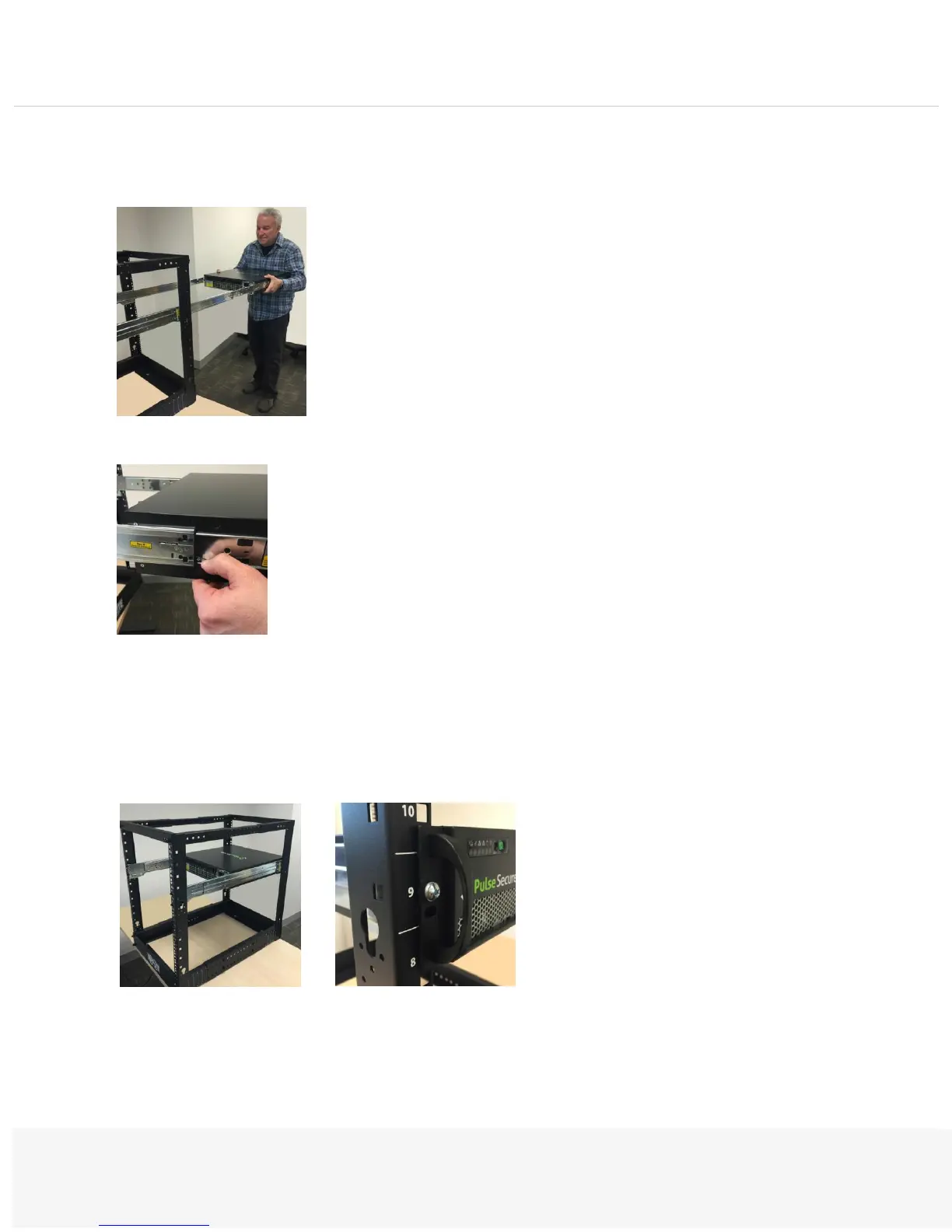
Extend the middle rails. Then, lift the PSA7000 and slide the ends of the outer rails into the middle rails:
As you’re sliding it, press the locking tabs down on both sides of the chassis. The rails will lock into place:
Note: You may require two people to safely mount the chassis.
Step 6 - Bolt the Chassis
Next, bolt the front of the chassis to the rack with the screws provided:
Congratulations!
You have completed racking your PSA7000.Installing and Removing Hard Drives


 To Next Page