Page 10
Your Home Screen.
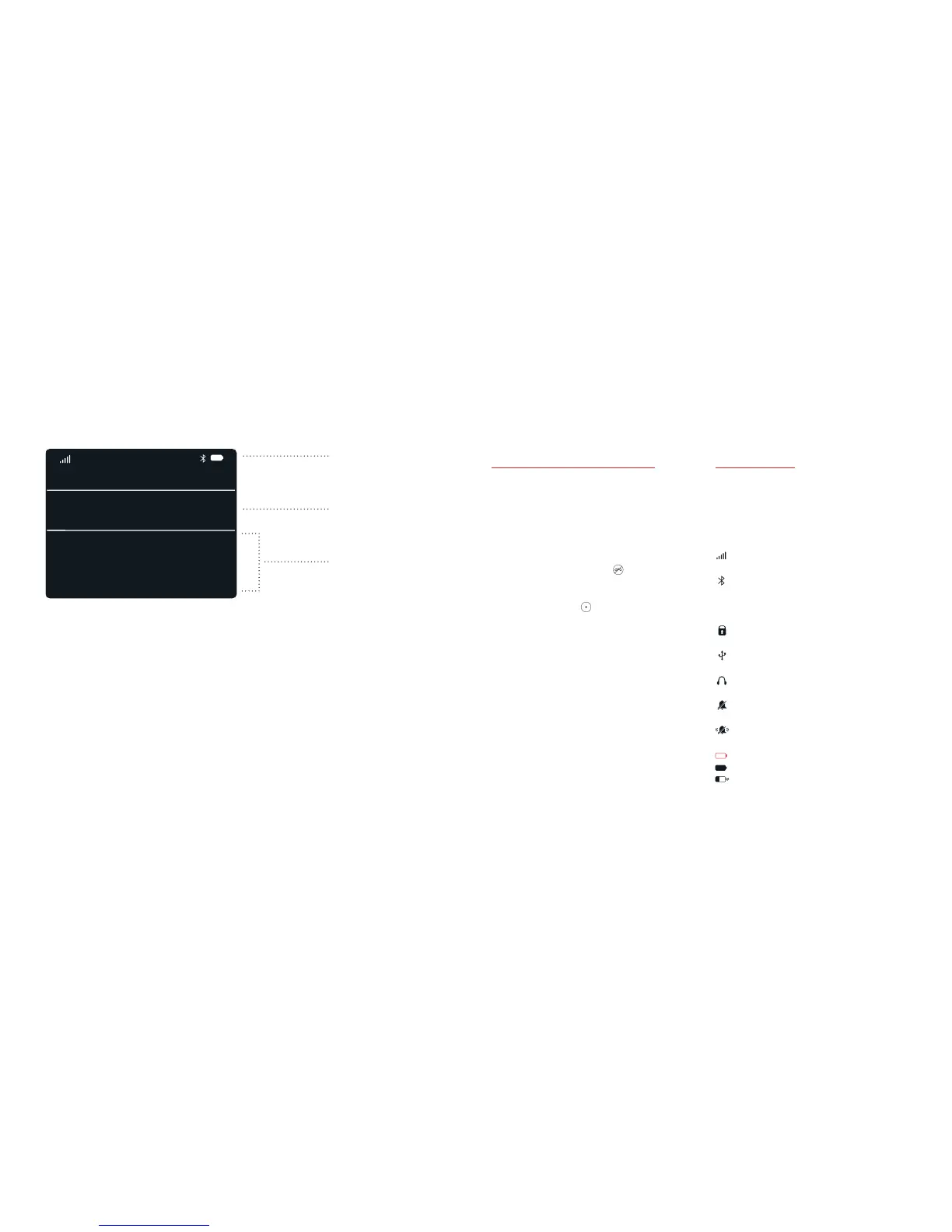
About your Home screen
When you turn on your phone,
it displays your Home screen.
Your Home screen displays a clock
and notifications.
To return to your Home screen from
any other screen, press
.
When the current time and date
is selected, press
to open the
main menu.
Note: All of the steps described in
this user guide assume you start on
your Home screen, with the current
time and date selected.
Status icons
Your phone displays the following
status icons at the top of your
Home screen.
Strength of network signal
Gray - Bluetooth is on
White - Bluetooth is on and a
device is connected
Keypad is locked
Connected to a computer
Connected to a headset
Silent mode without vibrate
Vibrate only mode
Red - Battery is empty
Battery is full
Battery is charging
Status Icons
Current time and date
Notifications
Missed call: Vincent
New message: Henri
Reminder: Pick up milk
29 Nov
MON
22:46



 To Next Page