Page 11
Notifications
Your Home screen displays
notifications. You can receive
notifications for calls, text messages,
reminders, and alarms.
— To view more information about a
notification on your Home screen
1. Use
to select a notification
and press
.
2. If you press
again, your
phone displays content or a list
of options. For example, for a
reminder notification, you can
delete or edit the reminder, or
add an alert.
You can choose when to receive
notifications. Choose to never
receive notifications, always receive
them, or only receive them when
your phone’s keypad is unlocked.
— To change your
notification settings
1. Press
.
2. Use to select Settings
and press
.
3. Use to select Preferences
and press
.
4. Use
to select Notifications
and press
.
5. Choose when to receive
notifications and press
to save.
Shortcut menu
From your Home screen, you can
change common settings with the
shortcut menu. Use the shortcut
menu to quickly turn vibrate and
Bluetooth on or off, or change your
network settings.
· To view the shortcut menu, press
and hold on your Home screen.
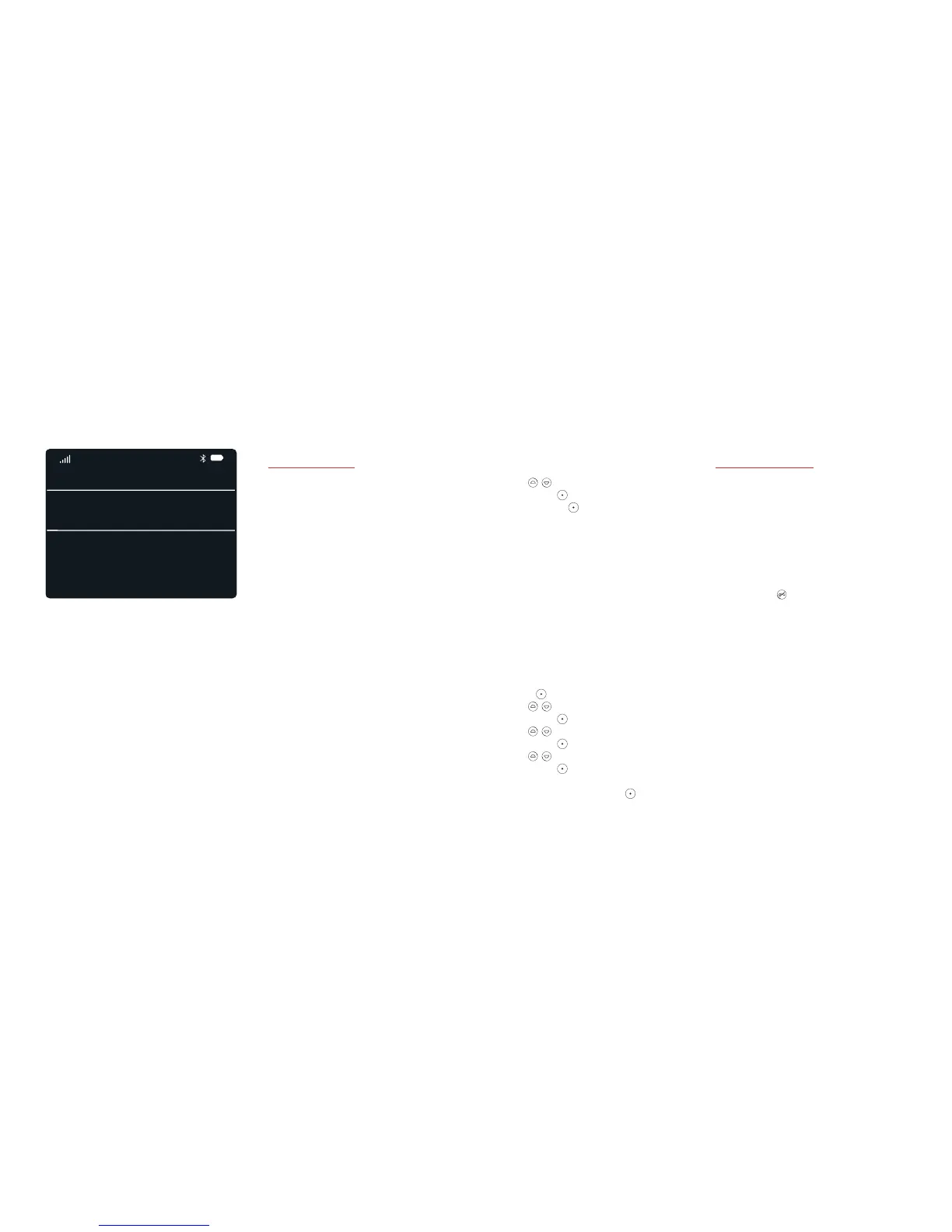
Your Home Screen.
29 Nov
13:00
22:46
MISSED CALL
Vincent
New Message: Henri
Reminder: Pick up milk
Alarm: 06:00



 To Next Page