Page 8
Charging your phone
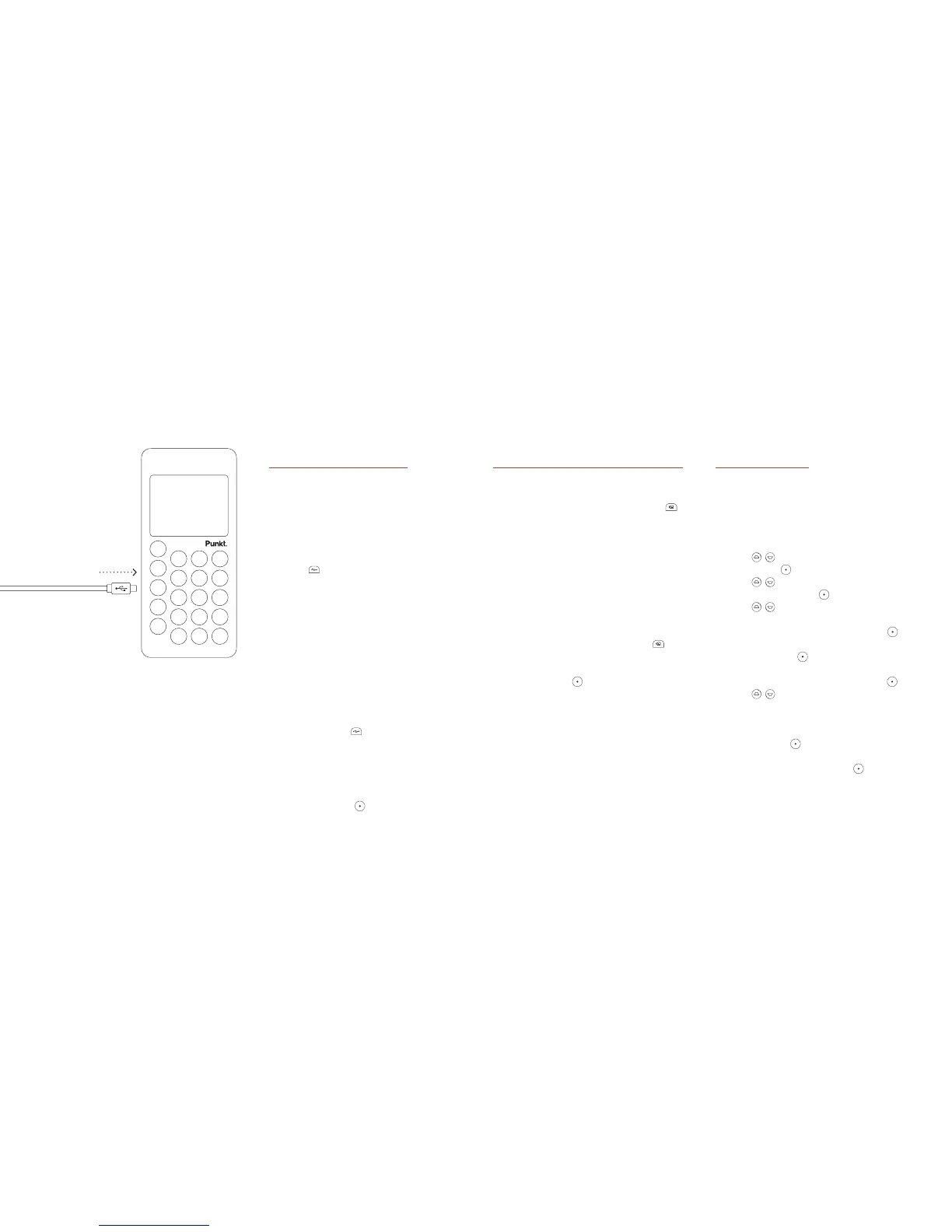
You can easily charge your phone
with the provided micro USB cable.
Before you turn your phone on for
the first time, charge it fully.
1. Open the cover of the USB
port on your phone.
2. Insert the micro USB cable
into the USB port.
3. Insert the other end of the micro
USB cable into the USB charger.
4. Connect the USB charger to
a power outlet. Your phone starts
to charge. The phone displays
Battery charging and the current
battery level.
5. When your phone is fully charged,
remove the micro USB cable from
your phone and close the cover of
the USB port .
Tip: You can also use a
computer’s USB port to charge
your phone. If your phone is
on when you connect it to a
computer, press
to charge it.
Turning your phone on or off
— To turn your phone on
1. Press and hold the lock button
on the side of the phone, until
the screen turns on.
2. If your phone has a passcode,
enter it with the keypad.
3. If your SIM card has a PIN,
enter it with the keypad.
4. Read more about passcodes and
PINs on page 29.
— To turn your phone off
Press and hold the lock button
on the side of the phone. If your
phone displays a confirmation
message, press
.
Getting Started.
Start-up guide
When you turn your phone on
for the first time, a start-up guide
appears. This start-up guide sets up
your phone so you can start using it.
1. Use
to choose a language
and press
.
2. Use
to choose a clock
format and press
.
3. Use
to set the time,
in the format
hhmm
.
a. Choose the hour, then press
.
b. Choose the minute,
then press
.
c. If you use a 12-hour clock,
choose AM or PM and press
.
4. Use
to set the date.
5. Your phone is now ready to use.
· To continue choosing settings
on your phone, select Settings
and press
.
· To start using your phone,
select Later and press
.



 To Next Page