Page 14
Calls.
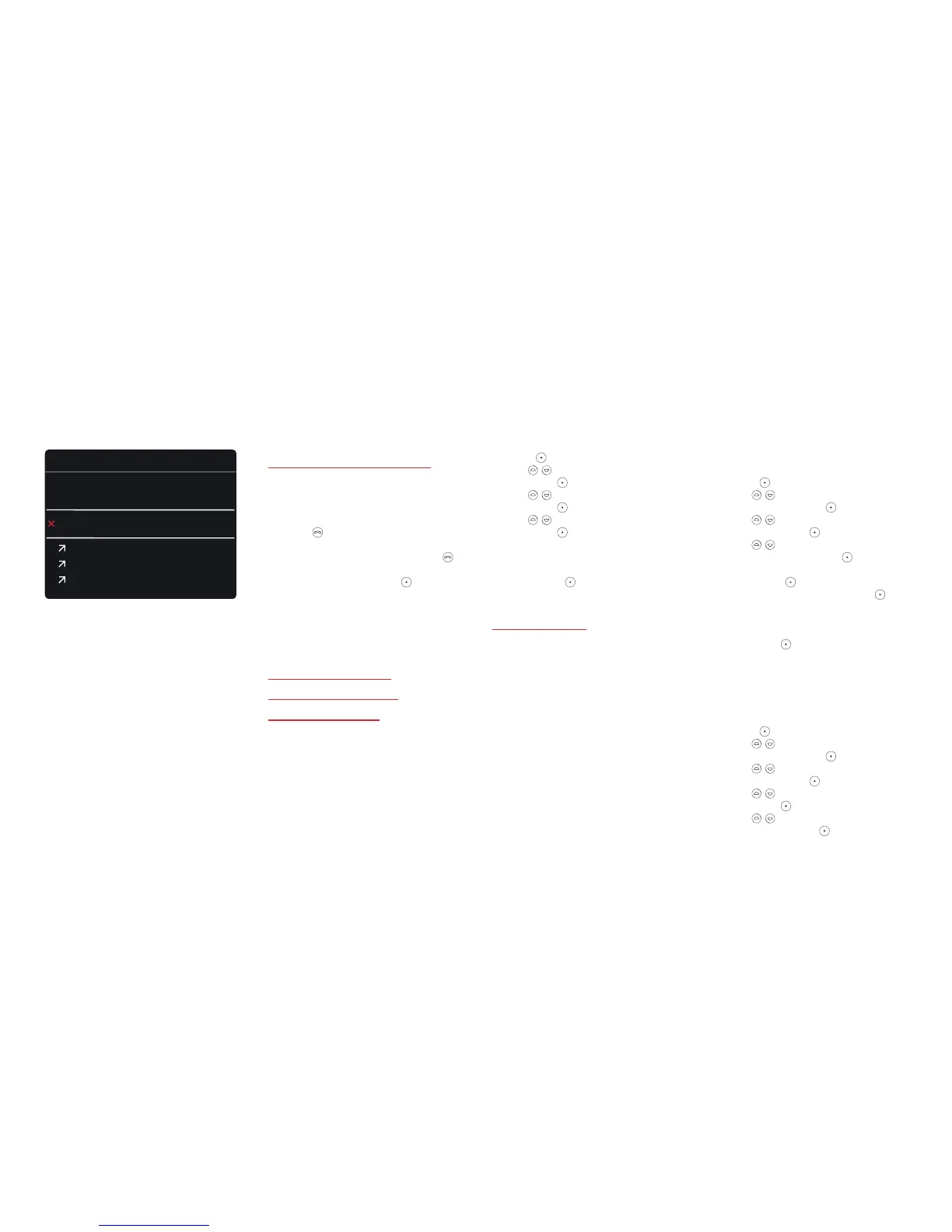
Viewing your call history
Your call history shows recent calls
that you have made and received.
1. Press
.
2. To call someone in your call
history, choose a call and press
.
3. To view the details of a call,
choose a call and press
.
From the Options menu you can
call the phone number, send a
text message, or add it to your
contacts list.
Showing or hiding
your phone number
on outgoing calls
To hide your phone number when
you make a call, hide your caller ID.
When your phone number is
hidden, the person who you are
calling cannot see your number.
Note: Not all network providers
or contracts allow you to change
the caller ID settings. For more
information, contact your
network provider.
1. Press
.
2. Use to select Settings
and press
.
3. Use to select Calls
and press
.
4. Use to select Caller ID
and press
.
5. Choose to show or hide your
phone number, or use your
network provider’s settings.
Then press
.
Diverting calls
You can divert calls to another
number or to your voicemail.
You can choose from the
following settings:
· Divert calls when you do not
answer
· Divert calls when you are busy
· Divert calls when you do not have
network signal
· Divert all calls
Note: Not all network providers or
contracts allow you to change the
divert call settings. For more
information, contact your network
provider.
— To divert calls to another
number or to your voicemail
1. Press
.
2. Use to select
Settings and press
.
3. Use to select
Calls and press
.
4. Use to select
Divert calls and press
.
5. Choose a divert setting,
then press
.
6. Choose Activate, then press
.
Tip: To check the current divert
setting, choose Query status
and press
.
7. Choose where to divert calls
and then follow the on-screen
instructions.
— To cancel all diverts
1. Press
.
2. Use to select
Settings and press
.
3. Use to select
Calls and press
.
4. Use to select Divert calls
and press
.
5. Use to select Cancel all
diverts and press
.
Elena Gatti
Norma Work
Mobile
Call history
Armin Link
Denny Mango
08:00
25/12
25/12
Delete all
20:00



 To Next Page