31
Listening to FM radio Siesta Flow Owner’s Manual v1.0
Siesta Flow is also a fully featured FM radio. This chapter explains how to operate Siesta Flow in the FM source,
including seek and manual tuning and storing presets. You should extend the aerial for optimum reception of
FM broadcasts.
4.1 Selecting the ‘FM radio’ audio source
Select ‘FM radio’ source
1 Press Source or tap Back until the Source screen is displayed.
2 Highlight and select ‘FM radio’ to enter the FM source.
4.2 Changing the station
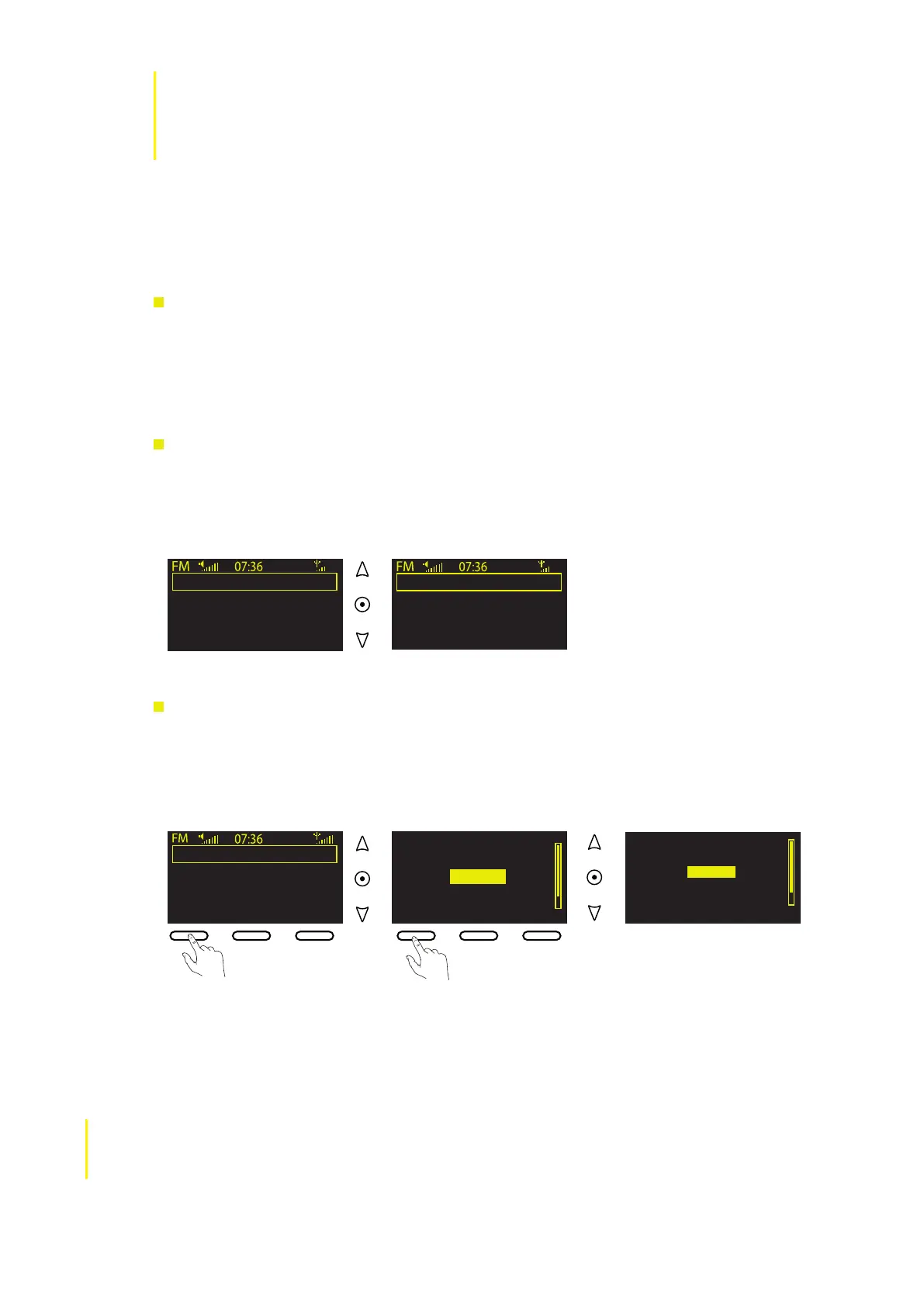
Seek tuning (default)
1 Use the navigation buttons to seek to the next or previous FM station that has a strong signal.
2 RDS information, if available, will scroll down the screen after a few minutes.
3 Use the navigation buttons again to seek for a new frequency.
4.3 Using presets
To store an FM station as a preset
1 Tune to the frequency you want to store as a preset and tap Presets.
2 Use the navigation buttons to highlight a preset number between 1 and 10.
3 Tap Store to store the preset to that position on the preset list.
Listening to FM radio
103.30
Seek tune
OKPresets Options
XFM
OKPresets Options
XFM
4 Listening to FM radio
Chiltern
Today’s Best Mix for Herts,
97.6 Chiltern FM
Presets Options
Empty 9
Empty 10
Empty 1
Empty 2
Empty 3
Store
Empty 9
Empty 10
Chiltern
Empty 2
Empty 3
Store Listen



 To Next Page