36
Siesta Flow Owner’s Manual v1.0
To set the clock
If you select the ‘The Lounge’ audio source, the clock will automatically set itself and also update
for clock changes. However, if you cannot receive an updated time signal, the time and date can
be manually set by selecting ‘Set Clock’.
6.3 Snoozing and cancelling an alarm
To snooze or cancel an alarm
When an alarm is sounding you can do one of the following:
1 Cancel the alarm by pressing Alarm, Standby or Select.
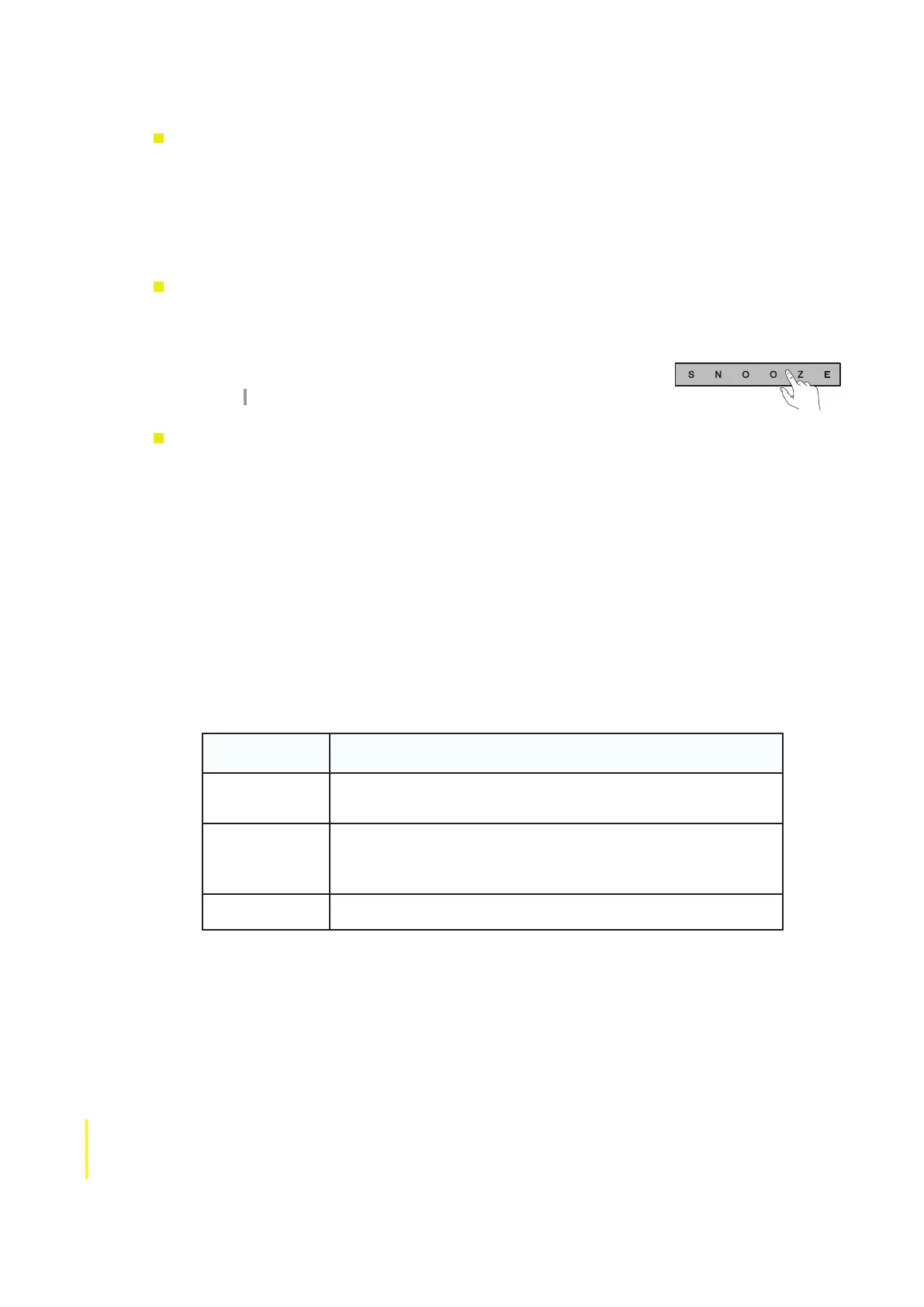
2 Snooze the alarm for 9 minutes by pressing the SNOOZE button .
Note A sounding alarm will time-out and switch off after one hour.
To adjust the duration of the snooze timer
1 Tap Options and highlight and select ‘time settings’.
2 Highlight and select ‘Snooze time’.
3 Use the navigation buttons to adjust the duration of the snooze between 5 minutes and 1 hour
and tap Select to confirm.
6.4 Changing the information shown on screen
1. Tap Options and highlight and select ‘Display’.
2. Select ‘Information’ to change what information is displayed when listening. The following
tables summarize the information display options available for each audio source:
FM Info display options
Information
Display Options
Description
Scrolling text Displays text information from the current station if RDS
information is available.
Reception info Displays the current frequency, Stereo/Mono indication, station
description and a meter representing signal strength.
Time and date Displays the time and date.



 To Next Page