6
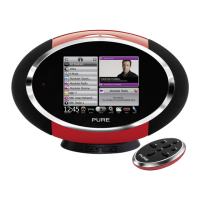
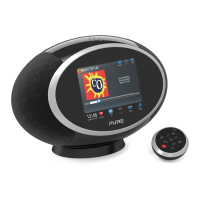
Siesta Flow Owner’s Manual v1.0
Contents
1 Discover Siesta Flow 8
1.1 Here’s what you’ll need 8
1.2 Switching on Siesta Flow for the first time 8
1.3 Key phrases used in this manual 9
1.4 Overview of controls and connectors 10
1.5 Quick guide to the display 12
1.6 Quick guide to common functions 12
1.7 Using Fast Scroll 13
1.8 About PURE Connect (formerly known as The Lounge) 14
2.1 Connecting Siesta Flow to your wireless network for the first time 15
2 Listening to Internet radio and more 15
2.2 Pure Connect (The Lounge) 18
2.3 Listening to and searching for online audio content 19
4.4 Opening groups of items 22
2.5 Adding and viewing your Favorites 22
2.6 Pausing and seeking 23
2.7 Options available in The Lounge source 24
2.8 Wi-Fi settings 25
3 Listening to Media player 26
3.1 Setting up Media player for the first time 26
3.2 Playing albums, tracks and playlists 27
3.3 Skipping, pausing and seeking within tracks 28
3.4 Searching for an artist, track or album 29
3.5 Options available in Media player source 30
4 Listening to FM radio 31
4.1 Selecting the ‘FM radio’ audio source 31
4.2 Changing the station 31
4.3 Using presets 31
4.4 Options available in FM source 32



 To Next Page