How to use your PCRN
9
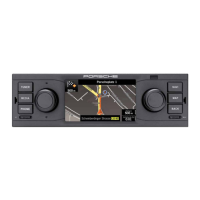
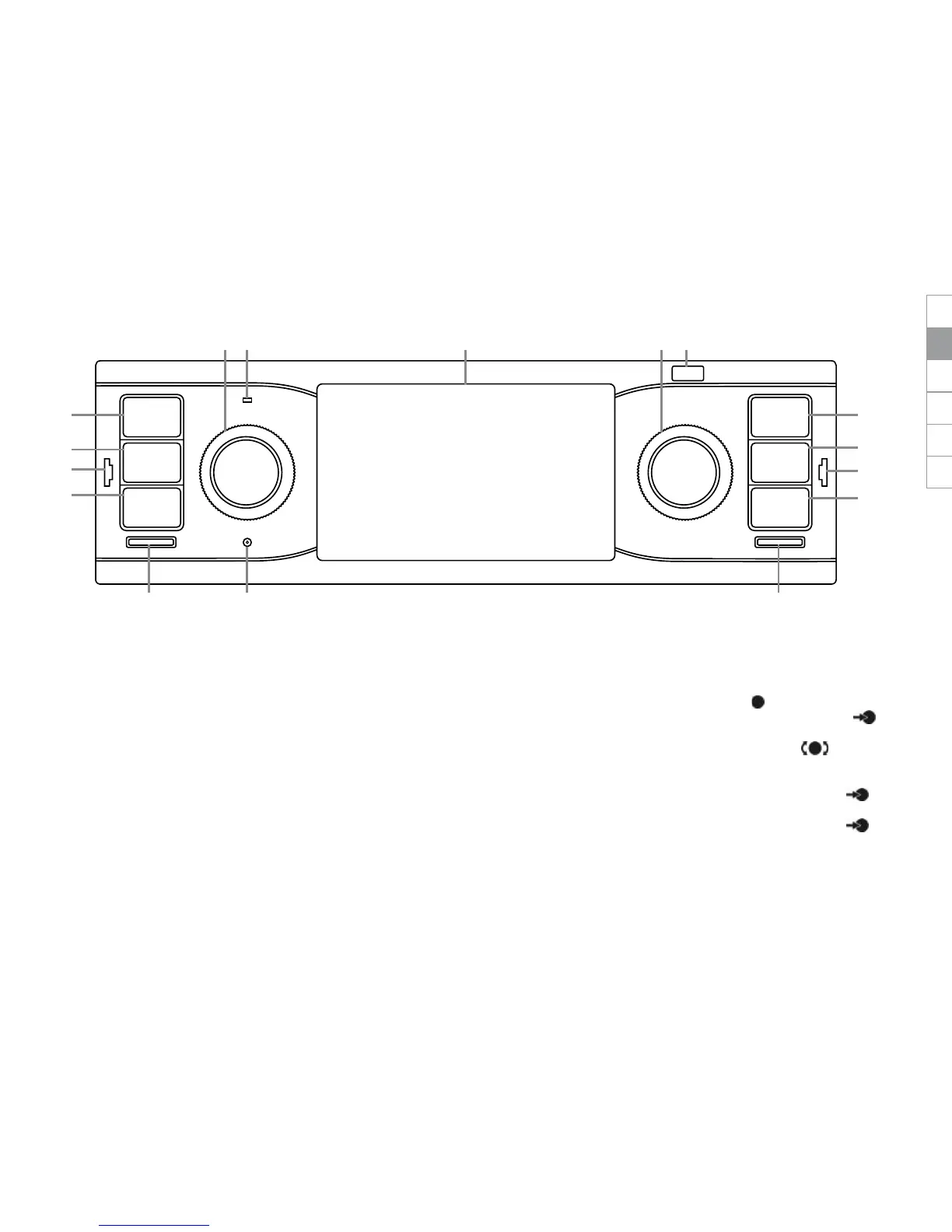
Control elements and their functions
A TUNER key
Press TUNER to change to radio mode and
between FM/AM.
B MEDIA key
Press MEDIA to change to media playback:
- iPod/iPhone
- USB stick
- SD card
- BT audiostreaming (Bluetooth)
- AUX-in
C PHONE key
Press
PHONE to change to the Bluetooth
®
-
hands-free operation and Bluetooth
®
audio
playback.
D NAVI key
Press NAVI to change to GPS navigation.
For further information about the navigation
functions of the PCRN please refer to the
separate navigation manual.
E MAP key
Press
MAP to switch to the map display of
the navigation system. For further informa-
tion about the navigation functions of the
PCRN please refer to the separate navigation
manual.
F BACK key
Press
BACK to return to the previous step of
the current menu.
G Left-hand knob
- Keeping the left-hand knob pressed
for
a longer period turns the device on or o.
- Turning the left-hand knob
changes the volume of the active audio
source.
- Briey pressing the left-hand knob
mutes or unmutes playback.
- Briey pressing the left-hand knob
mutes or unmutes trac announcement
(TA).


 To Next Page
 Loading...