MEDIA
25
MEDIA
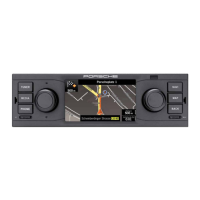
Opening Media mode
Press MEDIA to change into media mode.
All menu entries of the audio sources are shown
for your selection:
- iPod/iPhone
- USB stick
- SD card
- BT audiostreaming
- Aux-IN
If no audio sources are connected, the menu
entries are disabled (grey).
Playing back audio les from
USB stick/SD card
1. Press the MEDIA key.
2. Select menu option USB Stick or
SD card.
3. Select menu option Music.
4. Select a track from the le list to play it back.
The les are shown and played back in the
order in which they are stored in the data
storage device. The le currently selected
is
highlighted by an orange frame.
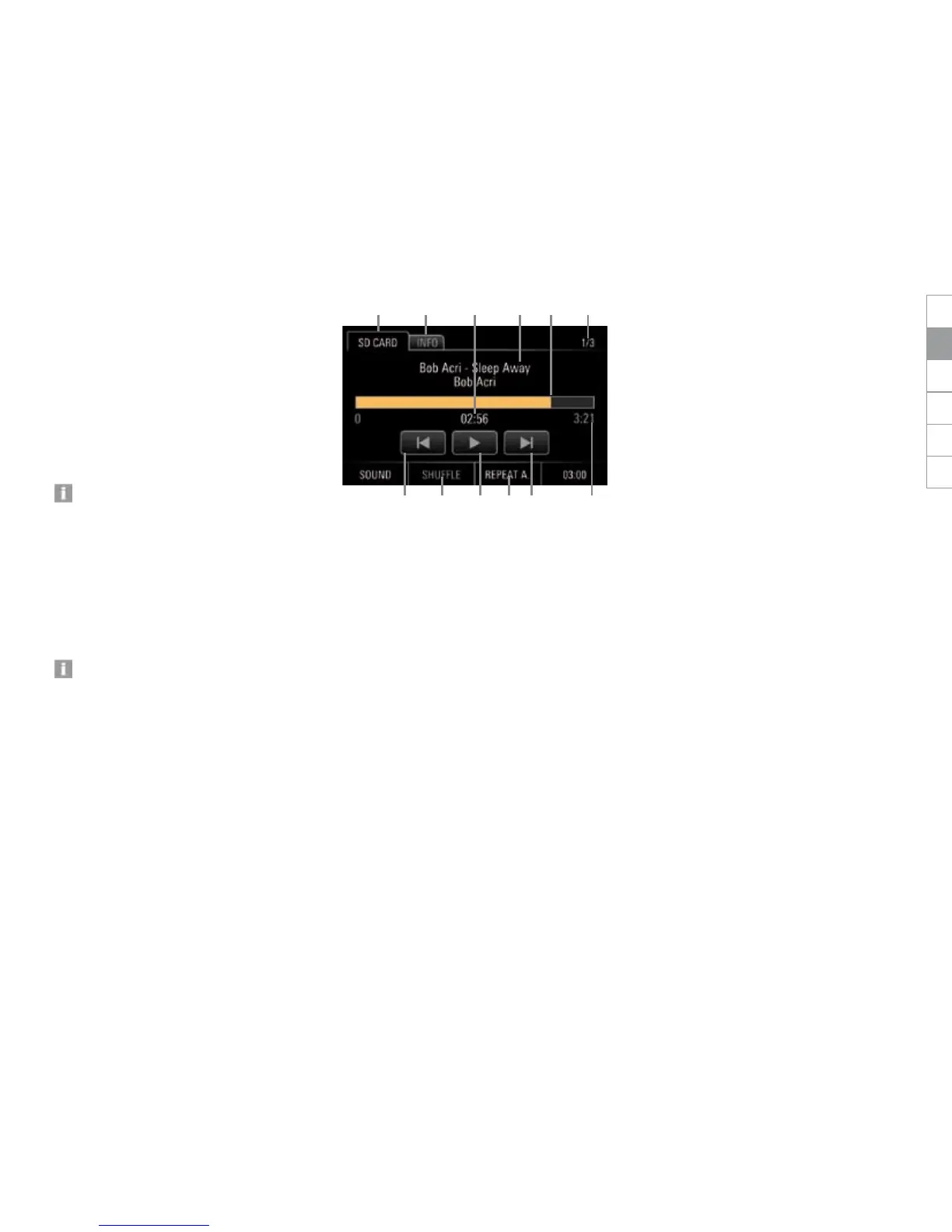
Audio player control elements
After a track is selected, the audio player is dis-
played to provide information about and control
of the following functions:
A Tab SD CARD or USB STICK:
Return to le list
B Tab INFO:
Track no./album cover/interpret/track/al-
bum/genre/duration
C Track no. of total number of tracks
D Artist/track/album
E Fast Forward/reverse/progress bar
F Playback time
G Total track time
H Preceding track/subsequent track
I SHUFFLE:
Enable or disable shue play
J Pause/Play
K REPEAT:
Repeat
- REPEAT A. (repeat all)
- REPEAT 1. (repeat track)
- REPEAT O. (repeat entire folder)
B
G
A D CF E
K HJH I
DEENFRITESRU


 To Next Page
 Loading...