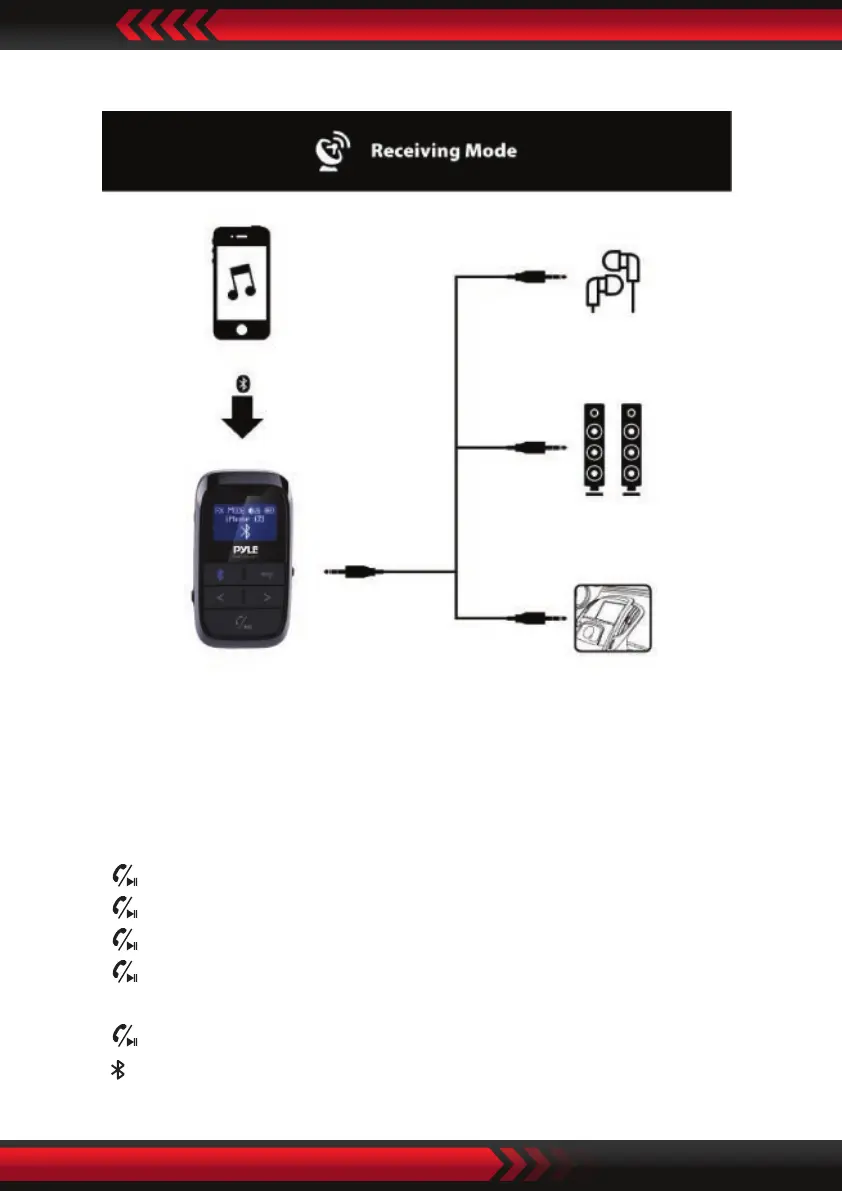
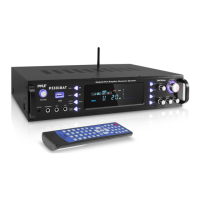
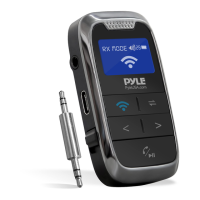
In the Receiving (RX) mode:
1. When the adapter pair the Wireless BT devices, the device’s BT paring name will
shown on the screen.
2. Press “<” to play the previous song, and short press “>” to play the next song.
3. Press and hold “<” to decrease the Volume, press and hold “>” to increase the
Volume.
4. Press to play/pause music.
5. Press to to answer the incoming call in Wireless BT calling mode.
6. Press to hang o a call in Wireless BT calling mode.
7. Press and hold for 2 seconds during call to reject the incoming call in Wireless
BT calling mode.
8. Press twice to dial the last Number automatically.
9. Press to disconnect the Wireless BT device.
www.PyleUSA.com


 To Next Page