www.PyleUSA.com
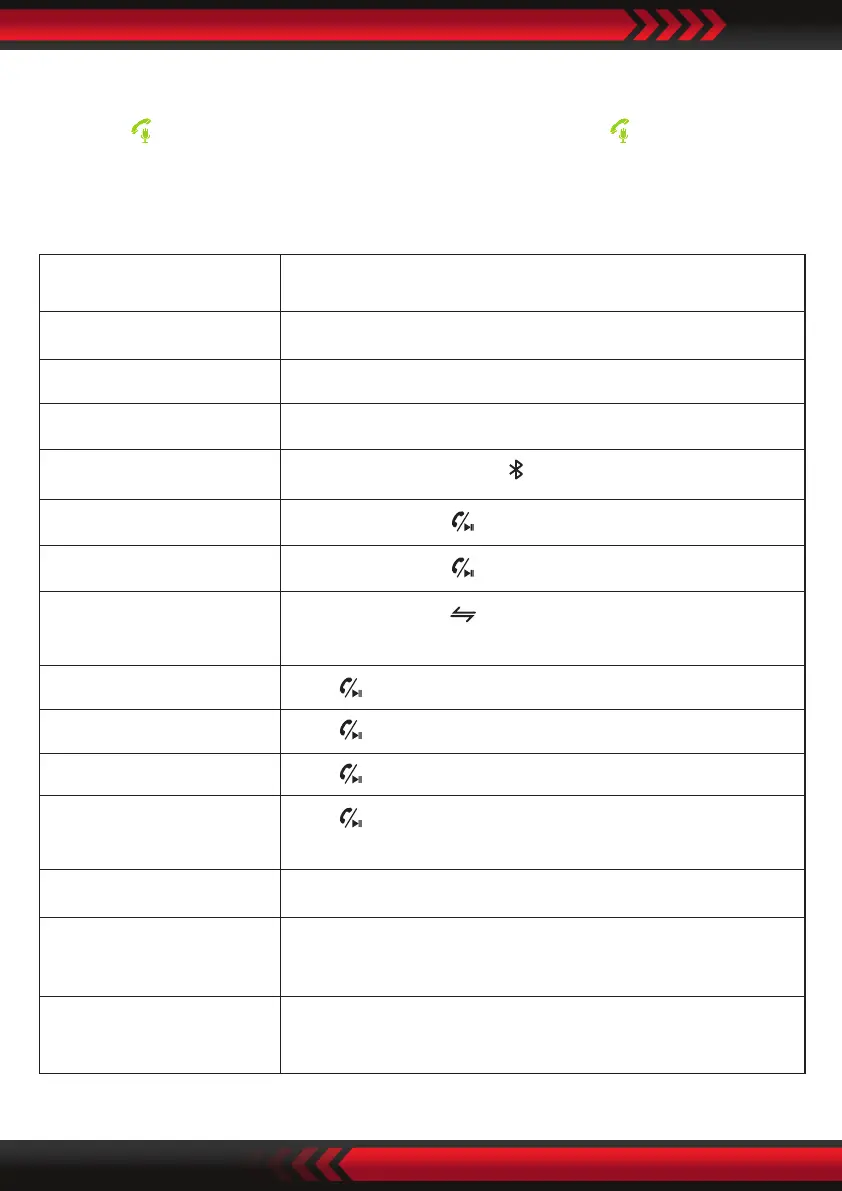
How to active the Siri/Google assistant:
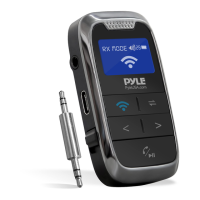
When the device is connected with your mobile phone by Wireless BT, press and
hold the “ ” to active Siri or Google assistant, short press the “ ” to end the
assistant.
Quick Guide
Press once during playing music
Power ON Switch to “ON”
Power OFF Switch to “OFF”
Transmitter mode Switch to “TX”
Receiver mode Switch to “RX”
Searching devices In TX mode, Short press to begin BT device searching
Connect devices In TX mode, Press once to connect BT devices
Disconnect devices In RX mode, Press once to disconnect BT devices
Switch devices
In TX mode, Press once to disconnect current BT
devices, searching and connect another device.
Play/Pause music
Answer call Press once when there is incoming call
End call Press once during call
Ignore call
Press and hold for 2 seconds during call, release
when the beep is heard
Call last Number Call last number
Adjust the Volume
Press “< ” or “>” and hold for 2 seconds to decrease or
increase the volume in RX & TX mode
Choose music
Press “<” or “>” to play the previous or next song in the
RX mode.


 To Next Page