www.PyleUSA.com10 www.PyleUSA.com 11
Radio Connection
1. Radio Antenna Setup: Insert the radio antenna securely into the FM port
located at the rear of the machine. Extend the FM antenna outward for
improved radio reception.
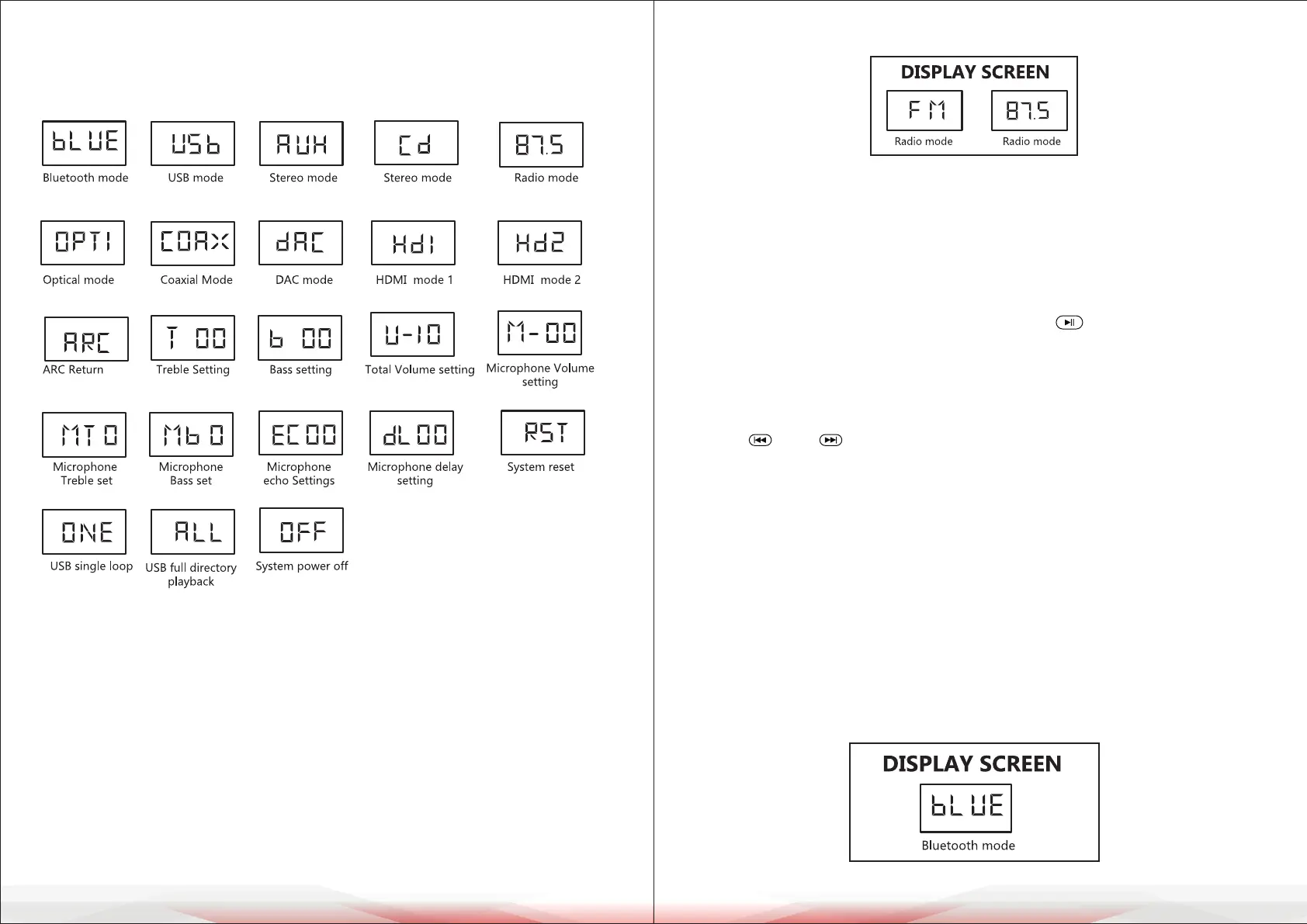
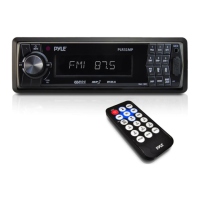
2. Switching to Radio Mode: Press the "INPUT" button on the lower panel or
the remote control until "FM" or "87.5" appears on the display, indicating the
switch to radio mode.
3. Automatic Station Search: Press and hold the " " button on the remote
control to initiate an automatic station search. This process may take more
than 5 minutes.
4. Station Selection: After the search is complete, the system will automatically
tune to the rst saved radio station. To manually select a saved station, use
the " " and " " buttons.
Bluetooth Connection
1. Turn on the machine and switch the mode to "BLUE". When the letters ash,
the system is in Bluetooth pairing mode.
2. Activate the Bluetooth function on your mobile device and search for
available devices.
3. Locate "PT865BT" in the search list and connect without a password.
If not found, refresh the search or toggle the phone's Bluetooth o and on.
4. Upon successful connection, the "BLUE" indicator on the screen will stop
blinking, and "Connected" will appear on the mobile phone.
5. Play music on the mobile device while adjusting the volume as needed.
The wireless range is approximately 16-33 feet (5-10 meters).
DISPLAY GRAPHIC INSTRUCTION
The display uses icons and symbols instead of text. Refer to the user manual's
graphical section for an explanation of these symbols.:
OPERATION INSTRUCTION
Connecting Power Supply and Starting Operation
1. Power Supply Connection: Insert one end of the provided power cord
securely into the power input port at the rear of the unit.
Connect the other end to a power socket.
2. Powering On: Press the power switch. The display screen will show "-HELLO"
initially, then transition to the user's last saved settings within 2 seconds.
3. Boot-Up Conrmation: Once the startup process is complete, proceed with
connecting additional equipment as needed.



 To Next Page