www.PyleUSA.com14 www.PyleUSA.com 15
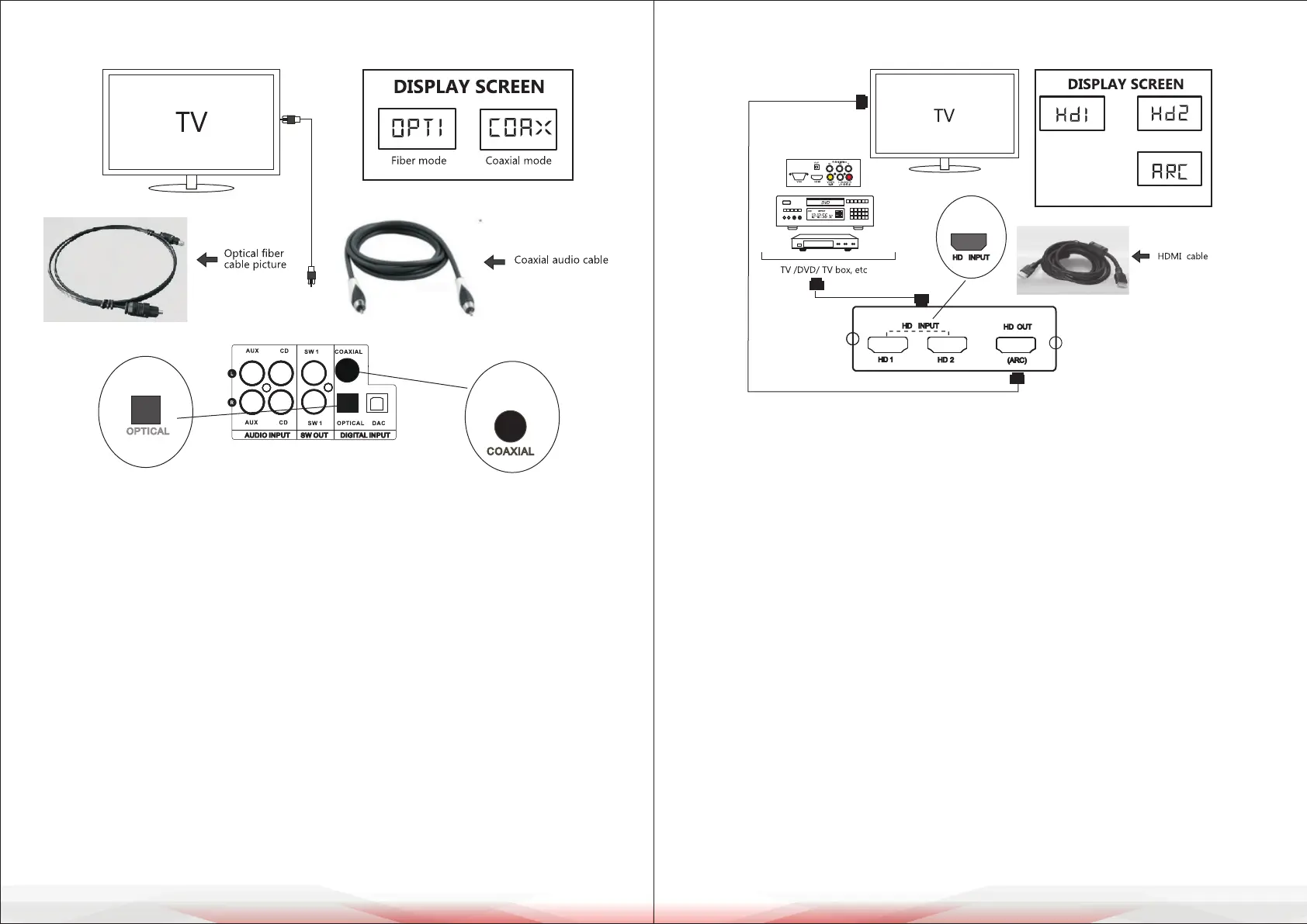
HD Audio Connection
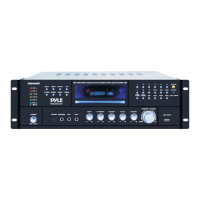
1. Turn on the amplier and press the "INPUT" key on the panel or remote control
until "HDI" is displayed, indicating that the signal has shifted to the rst group
of HD mode. When using the ARC function, switch to "ARC."
2. Select the appropriate audio cable corresponding to the HDMI port connected
to the audio source and link the playback device as shown in the provided
gure.
3. Set the sound volume above 17 and initiate audio playback on the player.
4. If there is no sound, follow these steps:
• Increase the volume on the playback device.
• Ensure that the media source is actively playing.
• Check if the HD cable is securely plugged in and verify that the input/
output connections are correct.
5. If all connections are correct but there is no sound or interference, adjust the
playback device settings:
• Navigate to System Settings > Sound Settings > Select Output Device
(TV speaker, Digital Coaxial, Optical SPDIF, HDMI ARC, Bluetooth) and
choose ARC.
• In Sound Settings, select Audio Output Format and set it to PCM.
• Ensure the ARC return function is supported by the TV. TVs that support this
feature typically label the HDMI port as HDMI (ARC).
Digital Optical/Coaxial Signal Connection
1. Press the "INPUT" button on the panel or remote control until "OPT1" or
"COAX" appears on the display.
2. Select the appropriate audio signal cable to connect the source device to the
system.
3. Once connected, adjust the playback device’s system volume to an
appropriate level.
4. If no sound is heard despite correct connections, adjust the system settings
using the following steps:
A. Navigate to System Settings > Sound Settings > Output Device Selection.
Select the corresponding output device (TV - Digital Coaxial, Optical SPDIF,
HDMI ARC, or Bluetooth).
B. In Sound Settings, choose Audio Output Format and set it to PCM.
Note: The audio signal output format must be set to PCM when using digital
signal connections (optical ber, coaxial, DAC, HDMI/ARC) with the system.



 To Next Page