AUTO ALIGNING TIME CLOCK INSTRUCTIONS
Model 2500/2650
12 888.479.7264OPERATION
USING TIME CLOCK
1
1
2
2
3
3
4
4
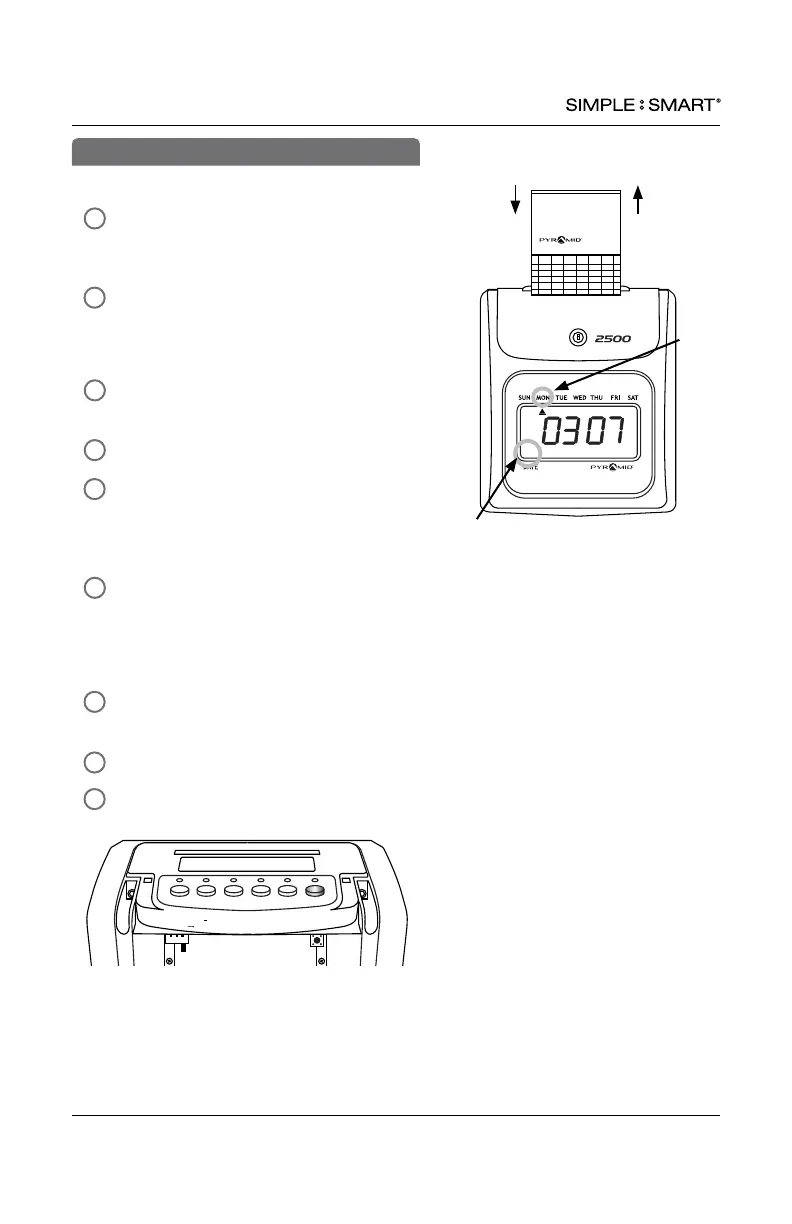
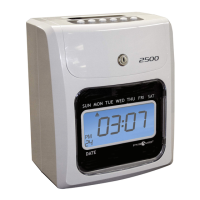
To Punch IN or OUT, select the IN or OUT
button that corresponds with the desired
punch column.
Gently feed time card (#42415) into time
card slot located at the top of the time
clock, making sure the side of the time
card with current date is facing towards user.
Quickly release the card, as it will
automatically be pulled.
Do not force or jam the time card.
Card will release back to user once punch
is printed.
To punch In or Out, gently feed time
card (#42415) into time card slot
located at the top of the time clock
Making sure correct side of time card
is facing towards user.
Quickly release the card, as it will
automatically be pulled.
Do not force or jam the time card.
Card will release back to user once
punch is printed.
MANUAL COLUMN SELECTION PUNCH METHOD
AUTOMATIC COLUMN ADVANCE PUNCH METHOD
Note: To override Automatic Column Advance, select
the IN or OUT button that corresponds with the desired
punch column.
PM
24
5
Date
Day
IN OUT IN
OUT IN OUT
Enter Back
Clear
Reset
+
Setting
Signature ____________________________________________________
Approval __________ __________________________________________
No. _________________ Period ___________________________________________
Name __________________________________________________________________
Regular Hours ______________ Rate ________________ Amount ______________
Overtime Hours ______________ Rate ________________ Amount ______________
Deductions _____________
Actual Pay _____________
Pay Date _____________
DATE
TOTAL
IN OUT IN OUT IN OUT
1
2
3
4
5
6
7
8
9
10
11
12
13
14
15
A
ITEM
pyramidtimesystems.com © 2009 Pyramid Time Systems, LLC #
42415 Rev. G
Made in USA


 To Next Page