PROGRAMMING
AUTO ALIGNING TIME CLOCK INSTRUCTIONS
Model 2500/2650
5pyramidtimesystems.com
PROGRAMMING
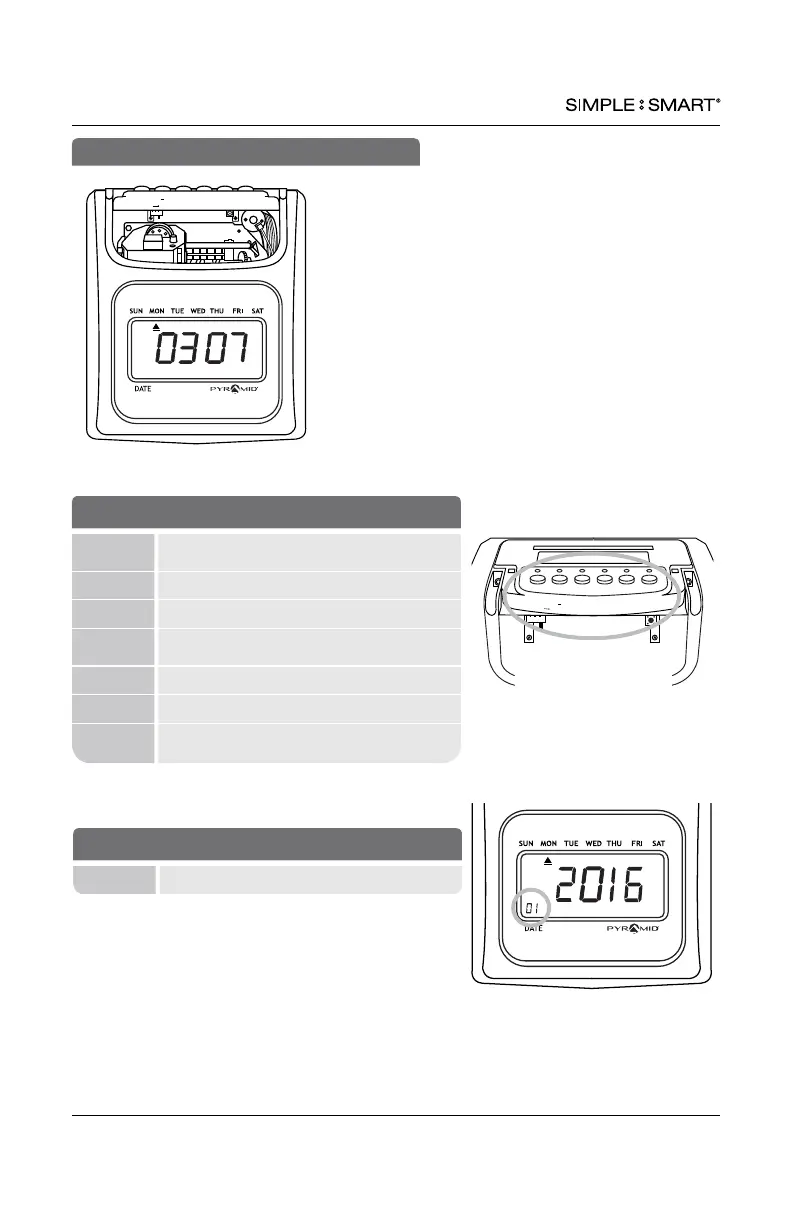
Use the key to unlock & remove top/front cover.
SETTING Activates SETTING Mode (right) or
Operation Mode (left)
+ Next setting or adjust setting
- Previous setting or adjust setting
ENTER Save current or new settings and advance to
next function
BACK Previous setting or value
CLEAR Default setting or value
RESET
Reset time clock hardware settings.
Does not reset program settings.
BUTTONS
PM
24
Setting
Enter Back Clear
Reset
+
IN OUT IN
OUT IN OUT
Enter Back
Clear
Reset
+
Setting
01 Indicates active setting mode or function
DISPLAY/BUTTONS
Setting
Enter Back Clear
Reset
+


 To Next Page