35
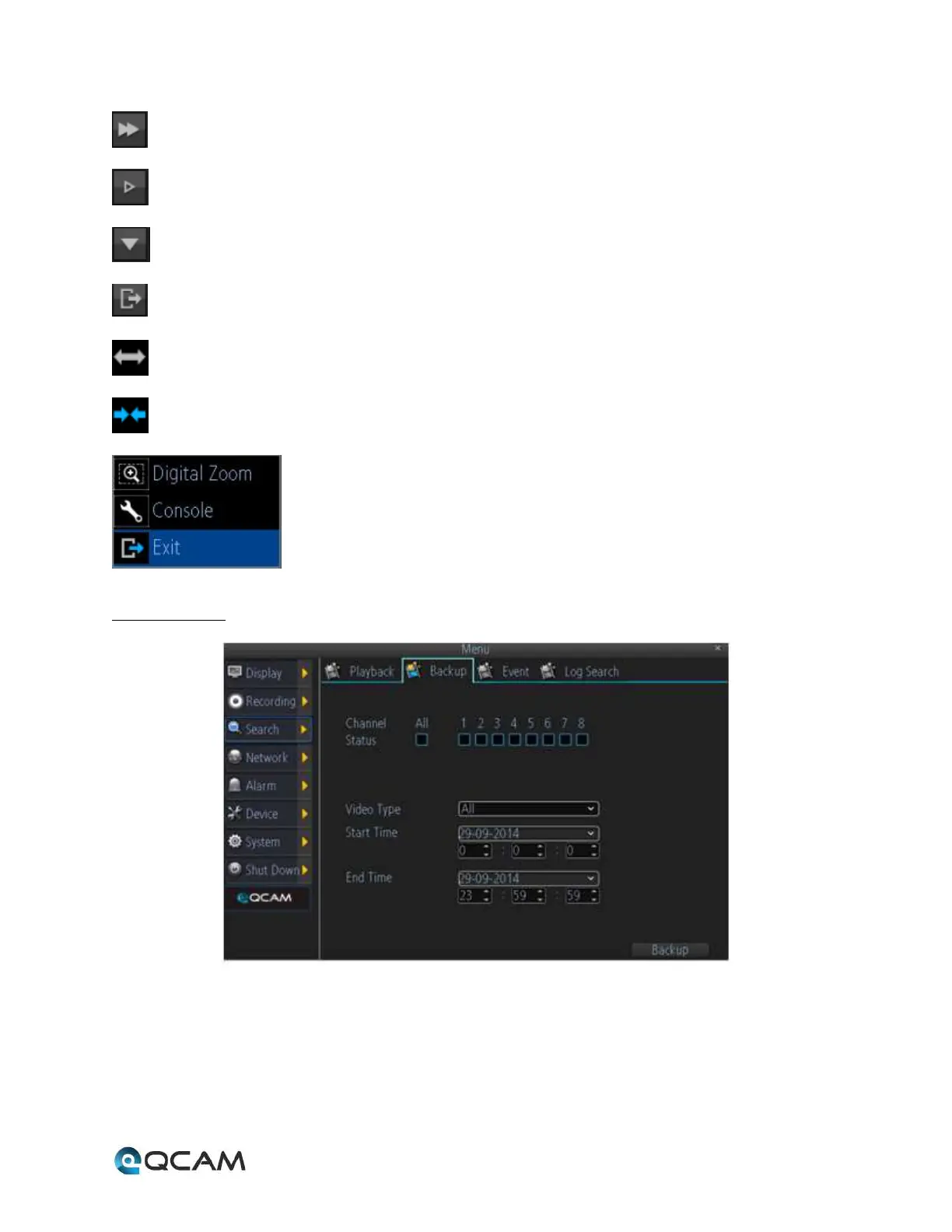
Fast Forward: Select to play the recorded files forward at the speed of x2, x4, x8, and x16;
Slow Forward: Select to play the recorded files forward at the speed of x1/2, 1/4, 1/8, 1/16;
Hide: Select to hide the play control panel;
Exit: Select to exit playback;
Zoom Out on the Timeline
Zoom In on the Timeline
Pop Up Menu: Supports digital zoom, show/hide the console, and exit playback.
4.6.4.2 Backup
Below is an explanation of the fields on this screen:
• Channel Status: This set of checkboxes allows the user to choose the camera/channel to backup. The channel
number is the same as the number written on the rear panel next to the Ethernet port used to connect the
camera.
• Video Type: This dropdown box allows the user to select which type of video to backup.



 To Next Page