36
• Start Time: This field allows the user to select the start date and time to backup.
• End Time: This field allows the user to select the end date and time to backup until.
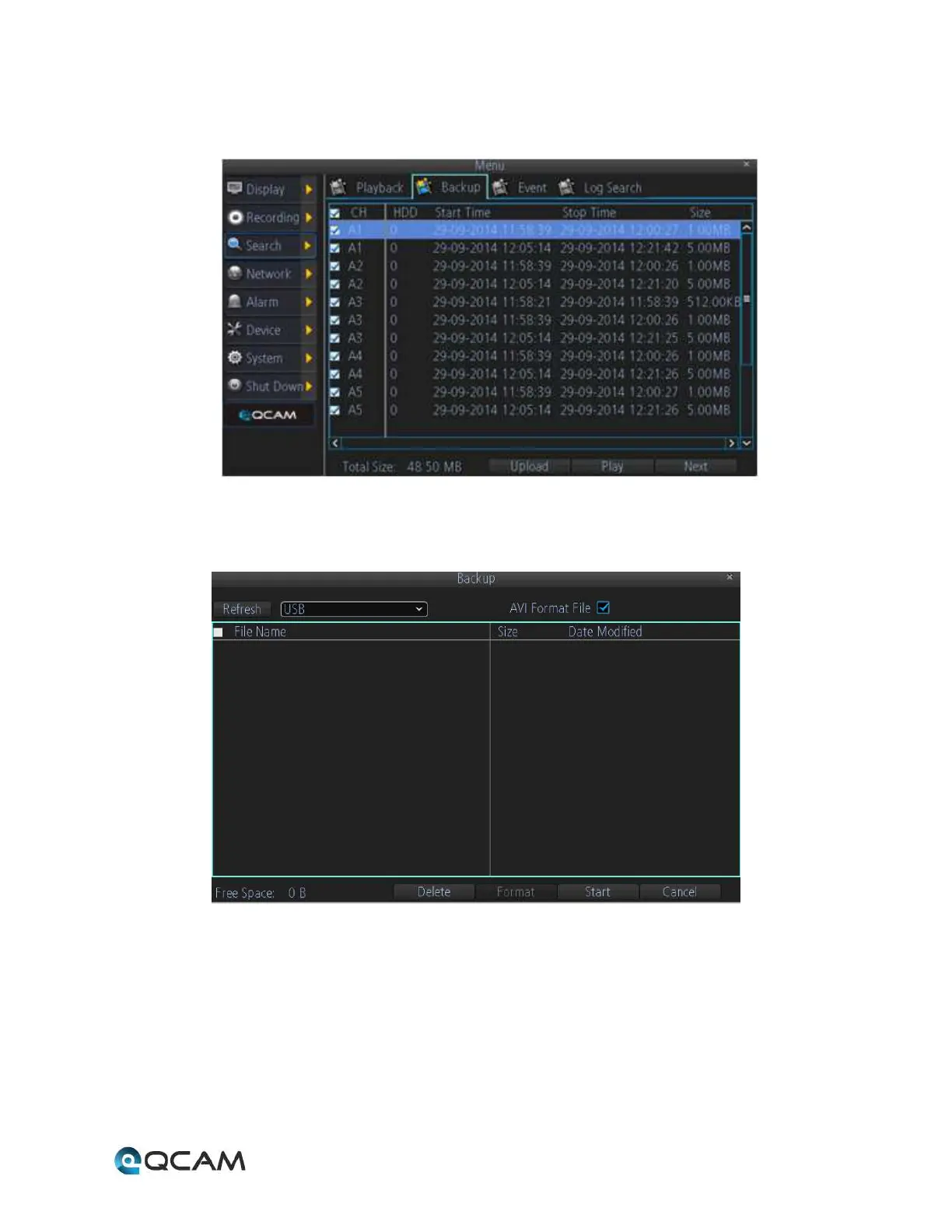
Click the Backup button to open the backup file list:
Use the checkboxes to select the files to backup, then click next to bring up the backup device screen:
Choose a backup device, then click Start to begin the backup.



 To Next Page