44
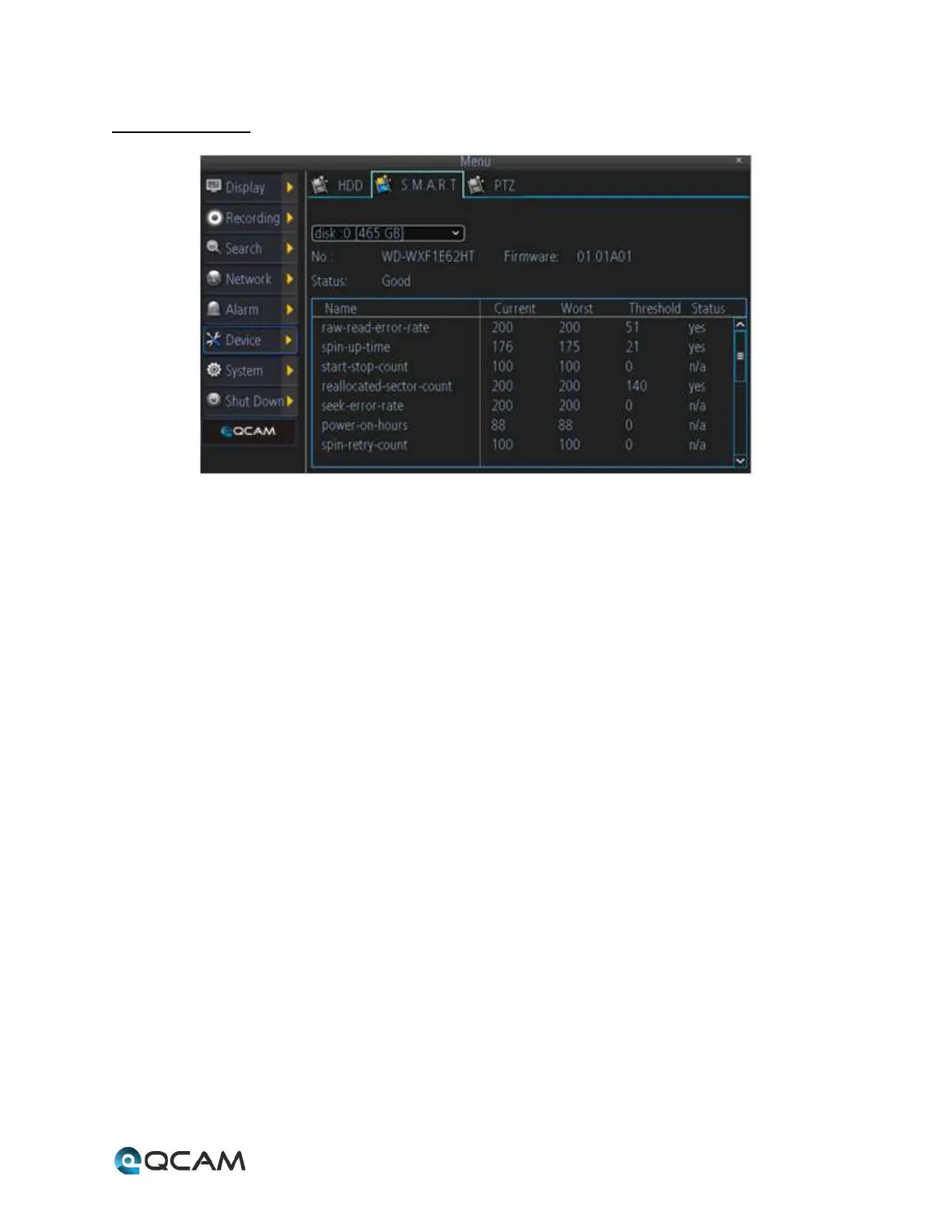
4.6.7.2 S.M.A.R.T.
Below is an explanation of the table on this screen:
• Disk: This dropdown box allows the user to select which hard drive to view S.M.A.R.T. for.
• No: This field shows the user the hard drive number for the selected hard drive.
• Firmware: This field shows the user which firmware version number the hard drive is using.
• Status: This field shows the user what the status of the hard drive currently is.
• Name: This field shows the user the name of the parameter that the S.M.A.R.T. feature is monitoring.
• Current: This field shows the user the current value of the hard drive’s parameter.
• Worst: This field shows the user the worst value for that hard drive parameter.
• Threshold: This field shows the user the threshold for that hard drive parameter.
• Status: This field shows the user the monitoring status for that parameter.



 To Next Page