47
4.6.8.2 User
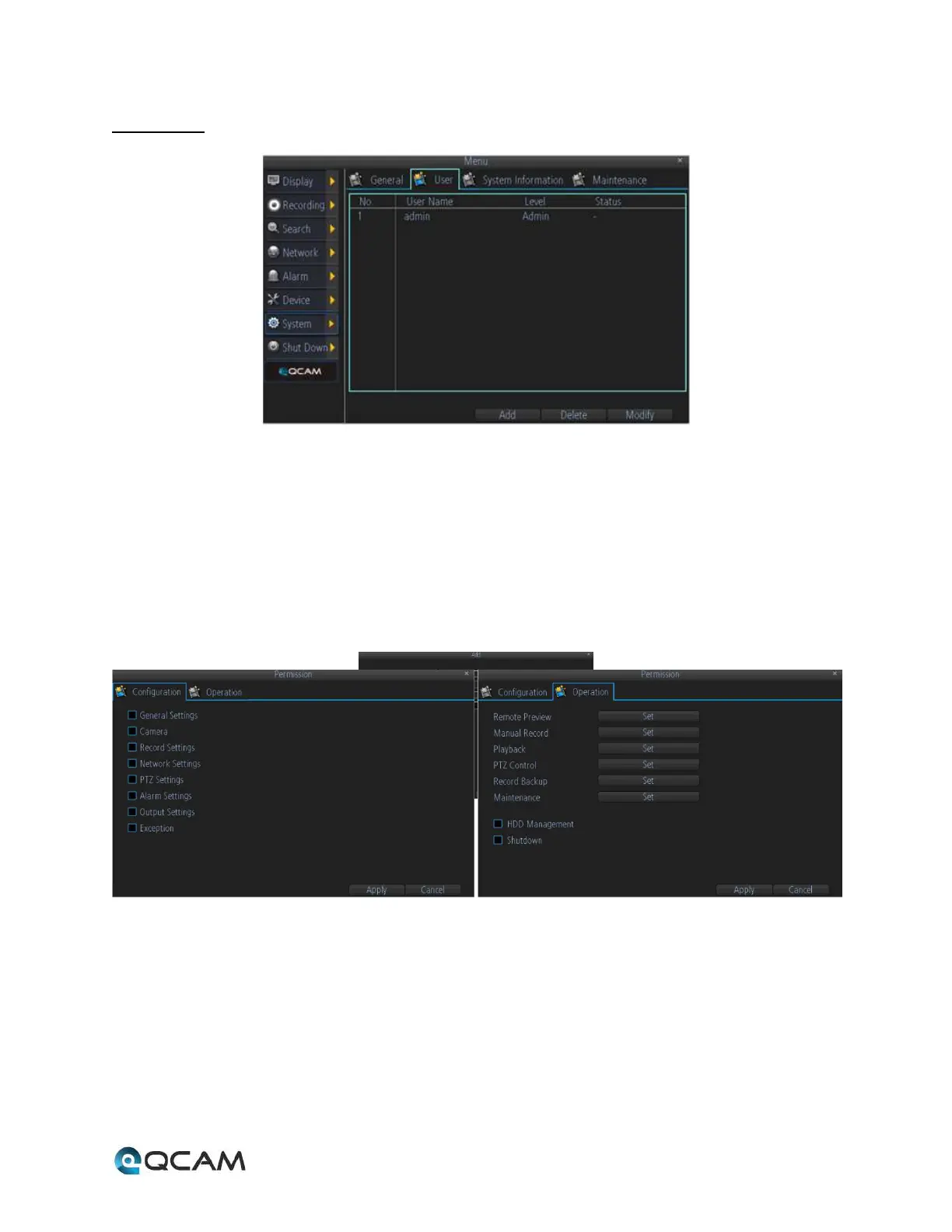
Below is an explanation of the table on this screen:
• No: This field shows the user the hard drive number for the selected hard drive.
• User Name: This field shows the user names available on the device.
• Level: This field shows the permissions level of the username.
• Status: This field shows the status of the username.
Click the Add button to add a new user, click the Delete button to delete a user, click the Modify button to modify
a user. Up to 10 users can be added to the device. Each user can have custom permissions set through the Add
user menu:



 To Next Page