48
4.6.8.3 System Information
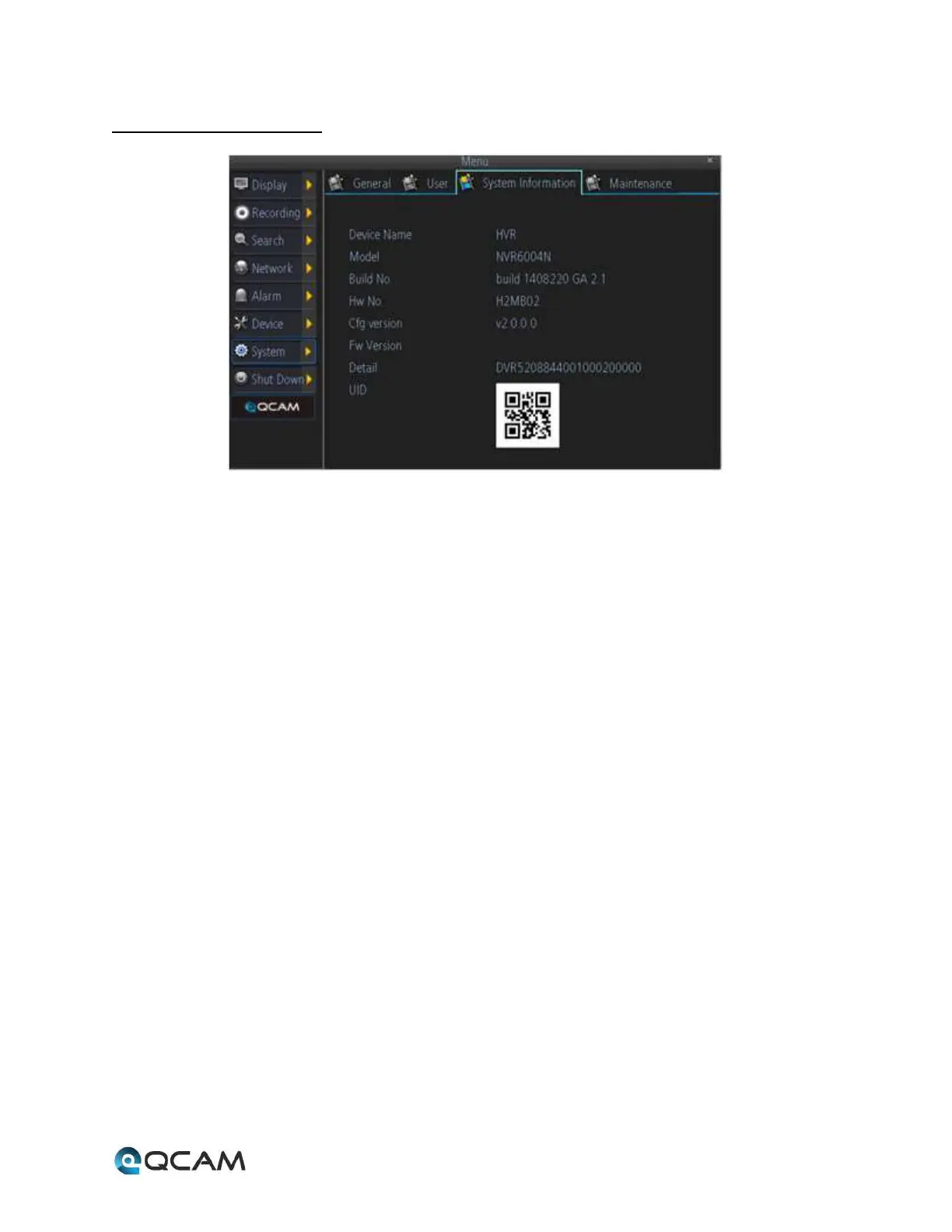
Below is an explanation of the table on this screen:
• Device Name: This field shows the NVR’s name.
• Model: This field shows the NVR’s model number.
• Build No: This field shows the NVR’s build number.
• HW No: This field shows the NVR’s hard ware number.
• Cfg Version: This field shows the NVR’s configuration version.
• Fw Version: This field shows the NVR’s firmware version.
• Detail: This field shows the NVR’s detailed string.
• UID: This image shows the QR code that represents the NVR’s UID.



 To Next Page