49
4.6.8.4 Maintenance
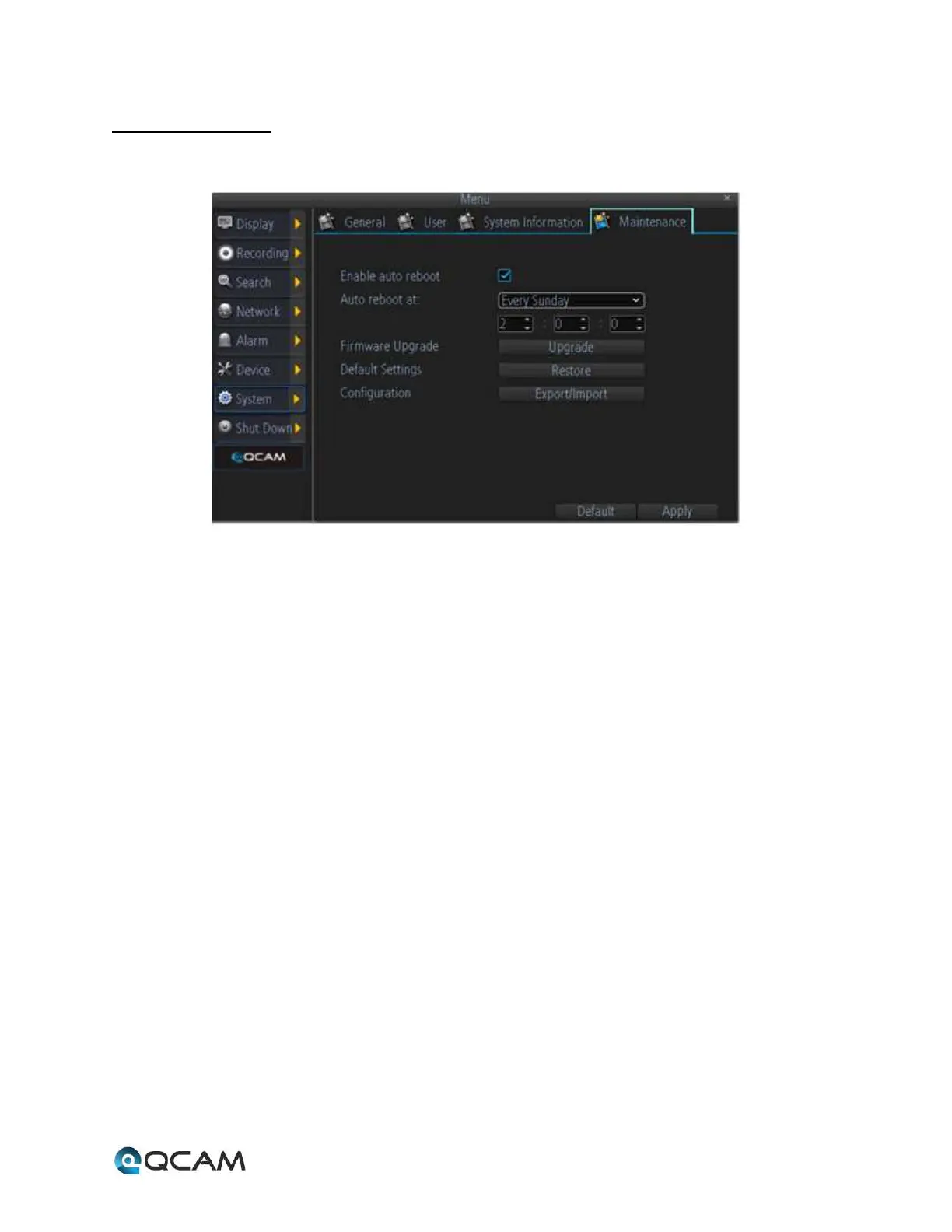
Below is an explanation of the table on this screen:
• Enable Auto Reboot: This checkbox allows the user to enable auto restarting of the device.
• Auto Reboot At: These fields allow the user to select when an auto reboot of the device should occur.
• Firmware Upgrade: This button allows the user to upgrade the firmware on the device.
• Default Settings: This button allows the user to restore the NVR’s firmware to its factory default settings.
• Configuration: This button allows the user to export or import settings configuration files.



 To Next Page