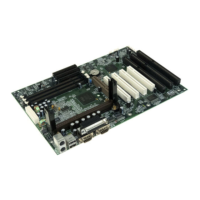
Manual for S4 series
BIOS Description
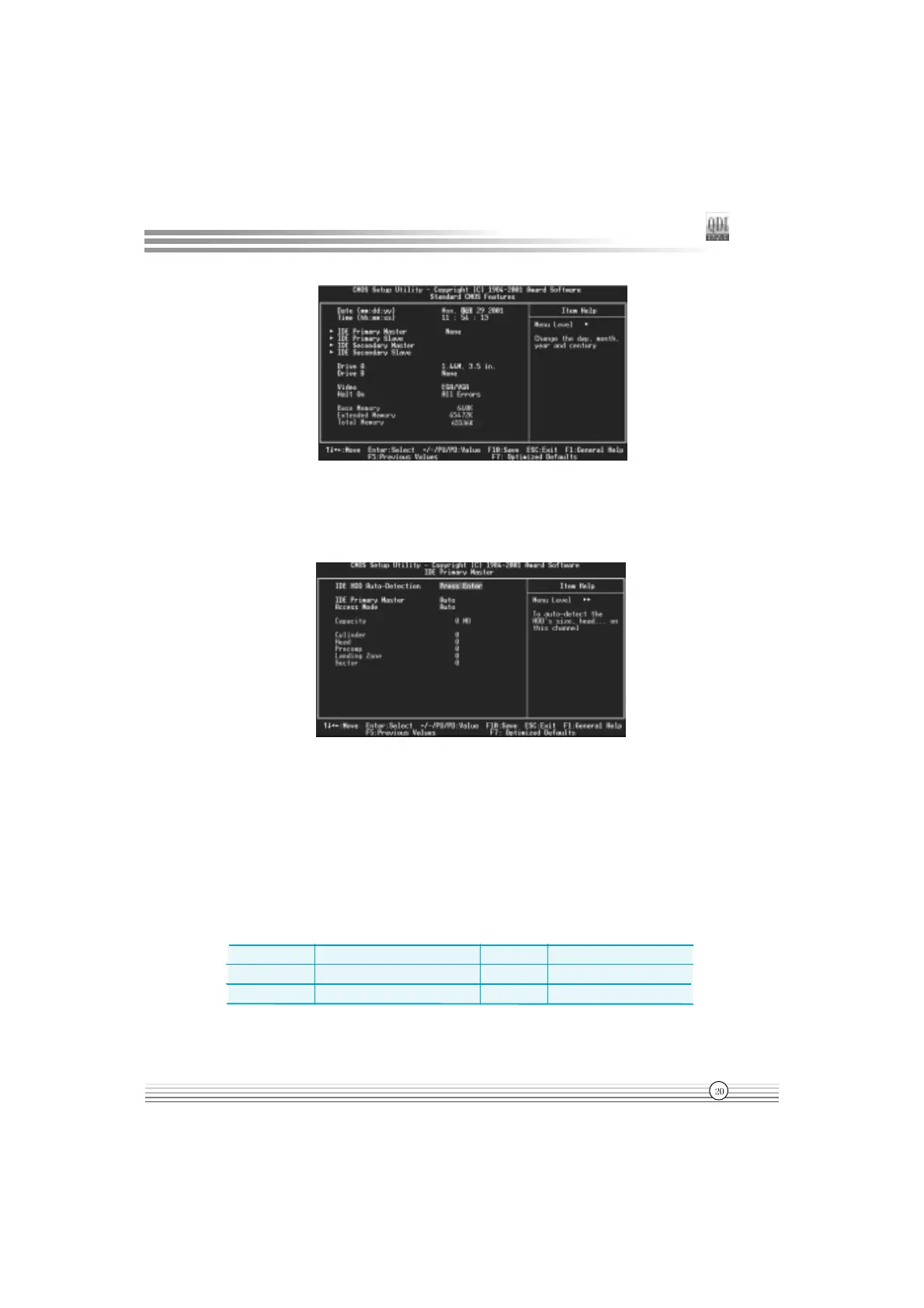
Figure-2 Standard CMOS Setup Menu
For the items marked, press enter, a window will pop up as shown below. You can view
detailed information or make modifications.
Figure-2-1 IDE Primary Master Setup Menu
Hard Disk
Primary Master/Primary Slave/Secondary Master/Secondary Slave
These categories identify the HDD types of 2 IDE channels installed in the computer system.
There are three choices provided for the Enhanced IDE BIOS: None, Auto, and Manual. None
means no HDD is installed or set; Auto means the system can auto-detect the hard disk when
booting up; by choosing Manual, the related information should be entered regarding the
following items. Enter the information directly from the keyboard and press < Enter>:
CYLS number of cylinders HEAD number of heads
PRECOMP write pre-compensation LANDZ landing zone
SECTOR number of sectors MODE
HDD access mode


 To Next Page
 Loading...