Manual for S4 series
Chapter 3
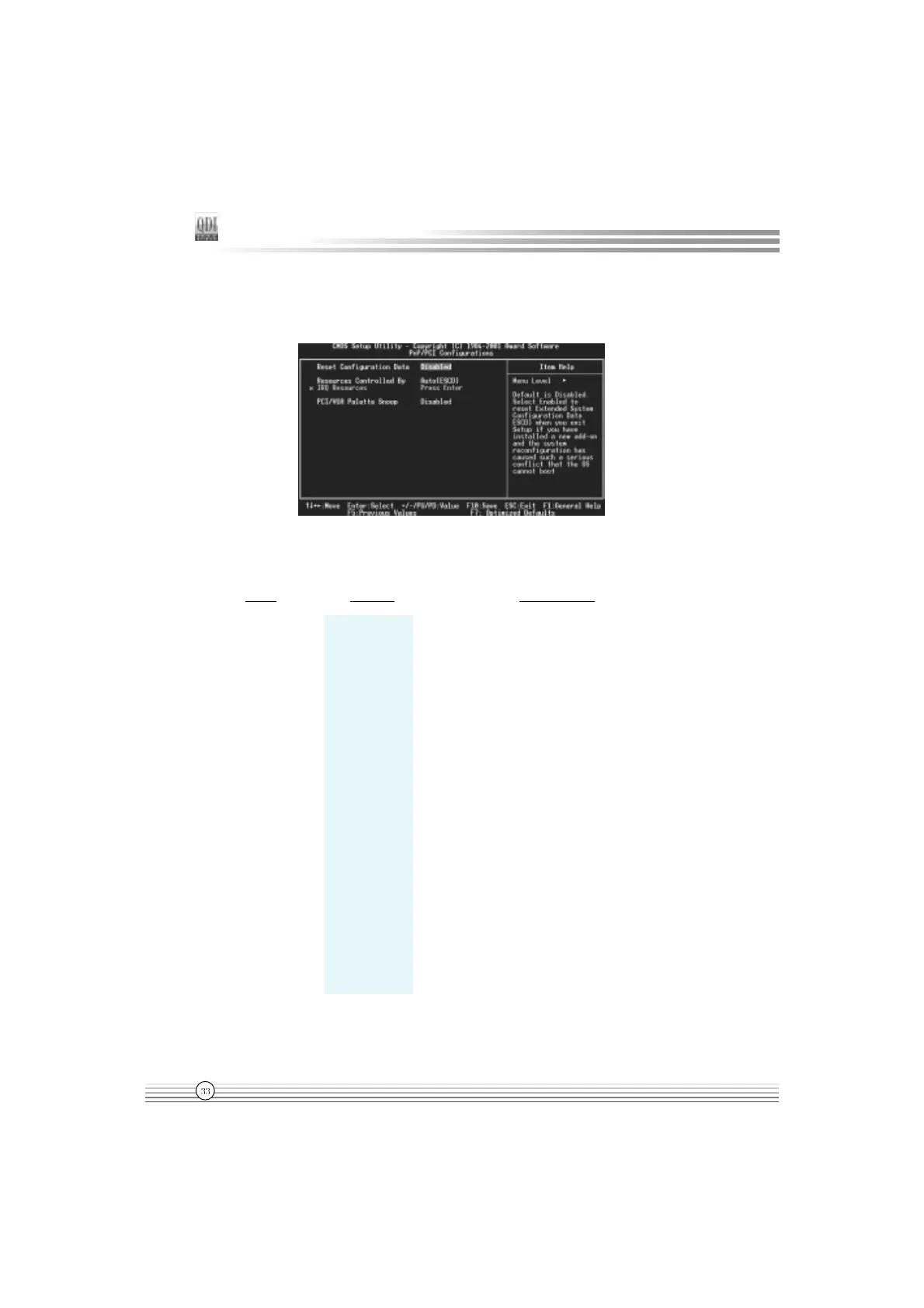
PNP/PCI Configuration Setup
Figure-7 PNP/PCI Configuration Setup Menu
The following indicates the options for each item and describes their meaning.
Item Option Description
l Reset Enabled Default setting is Disabled. Select Enabled to reset
Configuration Data Extended System Configuration Data ESCD when
you exit Setup, if you have installed a new
add-on and the system reconfiguration has
caused serious conflicts preventing the OS
from booting.
Disabled Disable the configuration data function.
l Resources Auto(ESCD) BIOS can automatically configure all boot
Controlled By Manual and Plug and Play compatible devices. If you
choose Auto, you cannot select IRQ DMA and
memory base address fields, because BIOS
automatically assigns them.
l PCI/VGA Palette Disabled Default setting.
Snoop Enabled Non-standard VGA cards such as graphics
accelerators or MPEG video cards may not show
colors properly. Enabling this item can solve this
problem.


 To Next Page
 Loading...