Manual for S4 series
BIOS Description
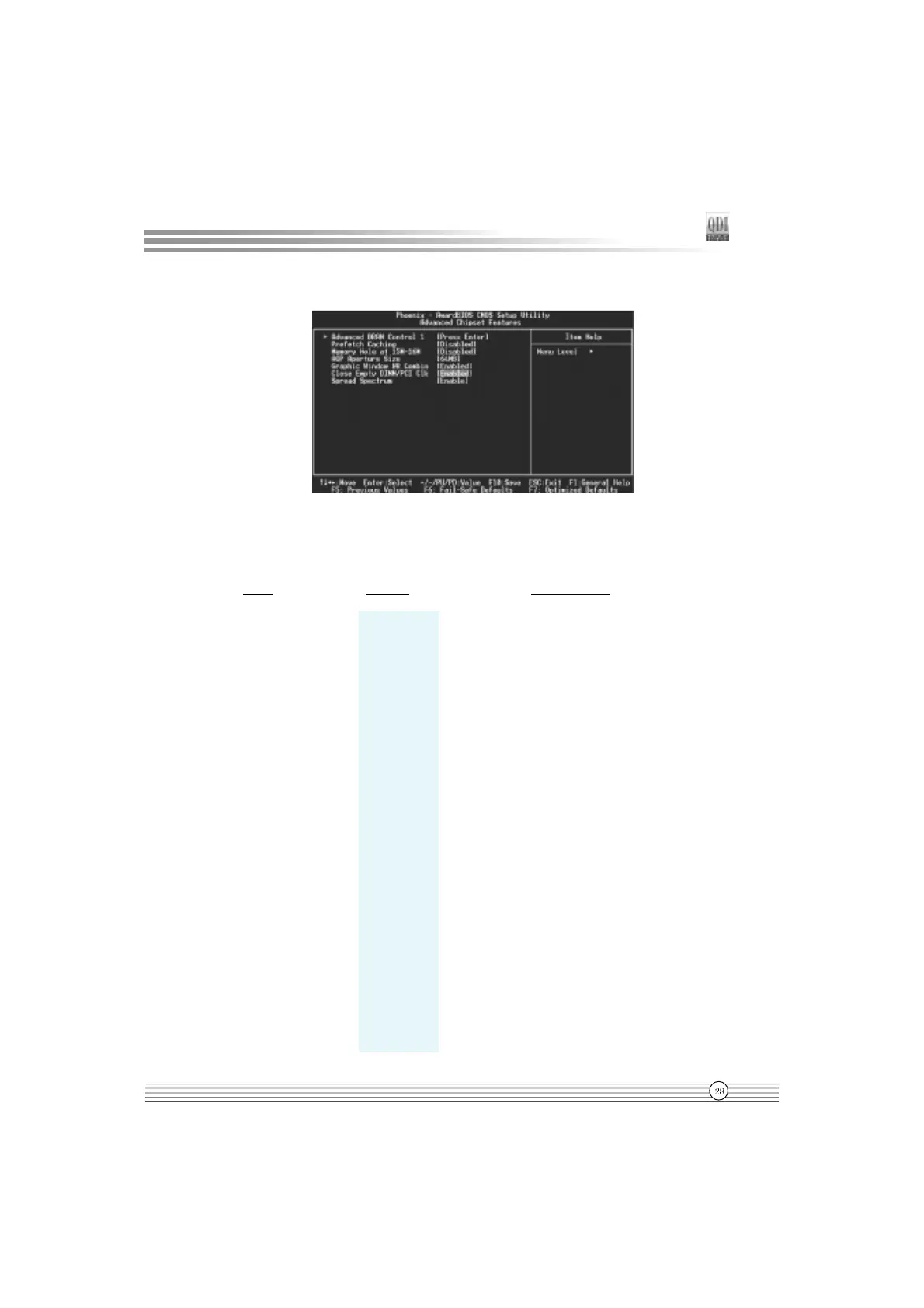
Advanced Chipset Features Setup
Figure-5 Advanced Chipset Features Menu
The following indicates the options for each item and describes their meaning.
Item Option Description
l Advanced DRAM Press Enter Press enter to set the items about DRAM.
Control
l System Safe Mode Set system performance.
Performance Normal Mode
Fast Mode
Turbo Mode
Ultra Mode
l CAS Latency 2T/2.5T/3T Define CAS latency time.
Setting
l DRAM Addr/Cmd AUTO DRAM address and command delay time
Rate 1T/2T setting.
l Precharge Caching Enable Enable precharge caching.
Disable Invalidates this function.
l Memory hole at Enabled Memory hole at 15-16M is reserved for
15M-16M expanded ISA card.
Disabled Do not set this memory hole.
l AGP Aperture 4/8/16/32 Set the effective size of the Graphics Aperture
Size (MB) 64/128/256 to be used in the particular GART Configuration.

 To Next Page
 Loading...