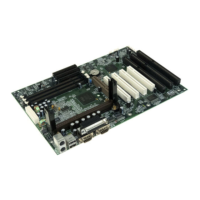
Manual for S4 series
BIOS Description
Item Option Description
l ECP Mode Use 3 Set ECP Mode Use DMA is 1 or 3.
DMA 1
l Game Port Disabled This option is used to configure Game Port
Address 201,209 Address.
l Midi Port Address Disabled This option is used to configure Midi Port
290/300 Address.
330
l Midi Port IRQ 5 This option is used to configure Midi Port
10 IRQ.
l USB Controller Enabled Enable onchip USB controller.
Disabled Disable onchip USB controller.
l USB Keyboard Enabled Support USB Keyboard under legacy OS.
Support Disabled Do not support USB Keyboard under legacy OS.
l IDE HDD Block Enabled Allow IDE HDD to read/write several sectors at
Mode once.
Disabled IDE HDD only reads/writes a sector once.
l Init Display First PCI Slot Initialize the PCI VGA first.
AGP Initialize the AGP first.
l AGP Auto Enabled Enable the AGP auto calibration.
Calibration Disabled Disable the AGP auto calibration.
l IDE Access Embedded BUS Access IDE using Embedded BUS.
Interface PCI BUS Access IDE using PCI BUS.
l MAC Access Embedded BUS Access MAC using Embedded BUS.
Interface PCI BUS Access MAC using PCI BUS.
l USB1 Access Embedded BUS Access USB1 using Embedded BUS.
Interface PCI BUS Access USB1 using PCI BUS.


 To Next Page
 Loading...