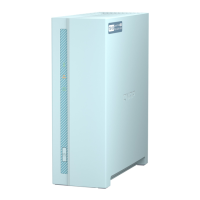
Installing 2.5-inch Hard Drives or Solid State Drives on 3.5-inch Trays
Warning
• Installing a drive deletes all data on the drive.
• Observe electrostatic discharge (ESD) procedures to avoid damage to components.
•
Moving fan blades: Keep your hands and other body parts away from moving fan
blades.
•
Other moving components: Keep your hands and other body parts away from other
moving components.
1. Power off the NAS.
2. Remove the drive tray.
a. Slide the lock to the left.
b. Push the button to release the tray handle.
c. Pull the tray out.
GM-1000 User Guide
Installation and Configuration 27


 To Next Page
 Loading...