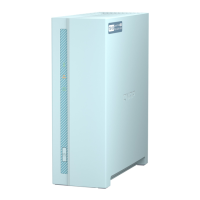
Front Panel
No. Component No. Component
1 OLED panel 3 Drive status LED
2 Front panel LEDs 4 Drive activity LED
Front Panel Buttons
Note
Pull the panel cover to access the front panel buttons.
No. Component No. Component
1 OLED panel power button 2 Power button
GM-1000 User Guide
Product Overview 8


 To Next Page
 Loading...