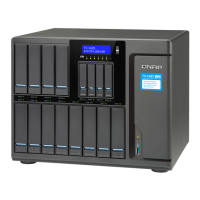
7. Attach the bottom cover.
a. Place the bottom cover on the NAS.
b. Attach the screws.
c. Attach the rubber feet.
d. Place the NAS in its normal upright position.
8. Connect all cables and external attachments.
9. Connect the power cord to the electrical outlet.
10. Power on the NAS.
11. Verify that the module is recognized by the NAS.
TBS-453DX User Guide
Installation and Configuration 20



 To Next Page
 Loading...