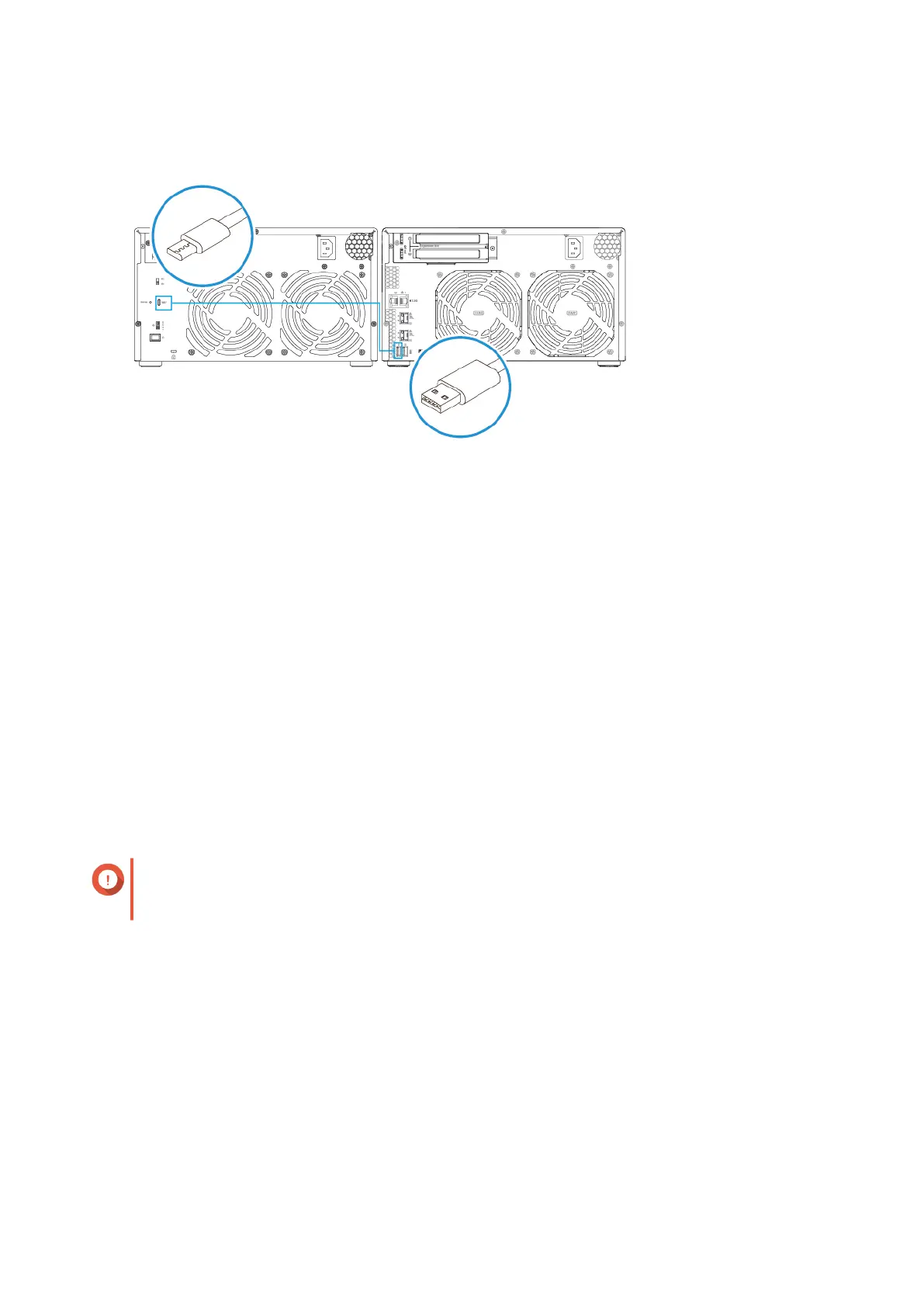
2. Power on the expansion units.
3. Verify that the expansion units are recognized by the NAS.
a. Log on to QTS as administrator.
b. Go to Main Menu > Storage & Snapshots > Overview > System .
c. Verify that the expansion units are listed.
Connecting SATA Expansion Units
To connect the device to SATA JBOD expansion units, a host bus adapter must be installed on the NAS. For
required accessories details, see Expansion Unit Installation.
1. Power off the NAS.
2. Install a host bus adapter on the PCIe slot.
Important
The QNAP QXP host bus adapter is required for connecting the SATA JBOD enclosure to a
host device. Third-party host bus adapters are not compatible with QNAP JBOD enclosures.
3. Connect the expansion units to the NAS using the following topology.
TS-832PX User Guide
Installation and Configuration 28



 To Next Page
 Loading...