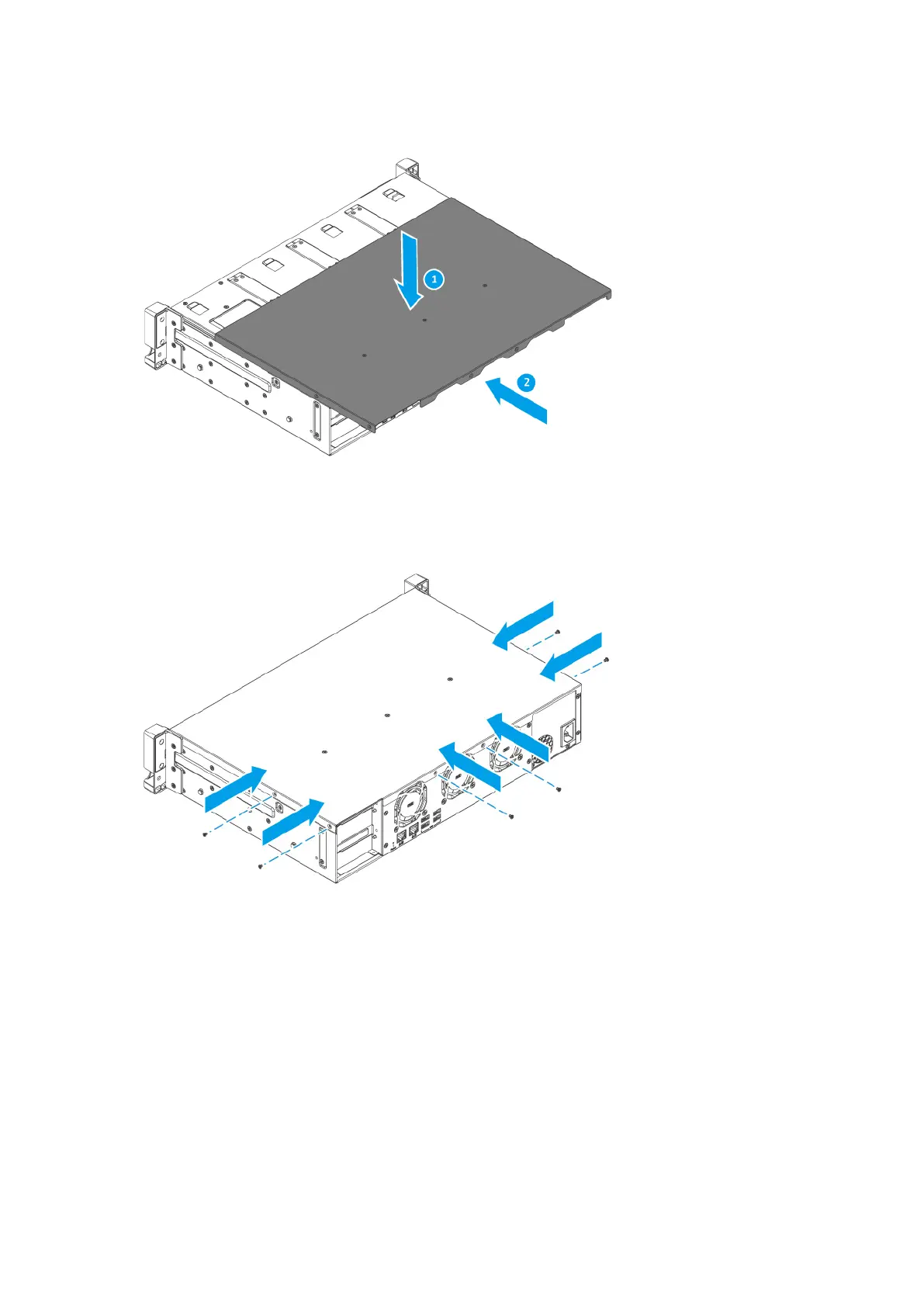
c. Attach the screws.
8. Connect all cables and external attachments.
9. Connect the power cord to the electrical outlet.
10. Power on the device.
11. Verify that the module is recognized by the device.
a. Log on to QTS as administrator.
b. Go to Control Panel > System > System Status > Hardware Information .
c. Check the value for Total memory.
TS-855eU User Guide
Installation and Conguration 25



 To Next Page