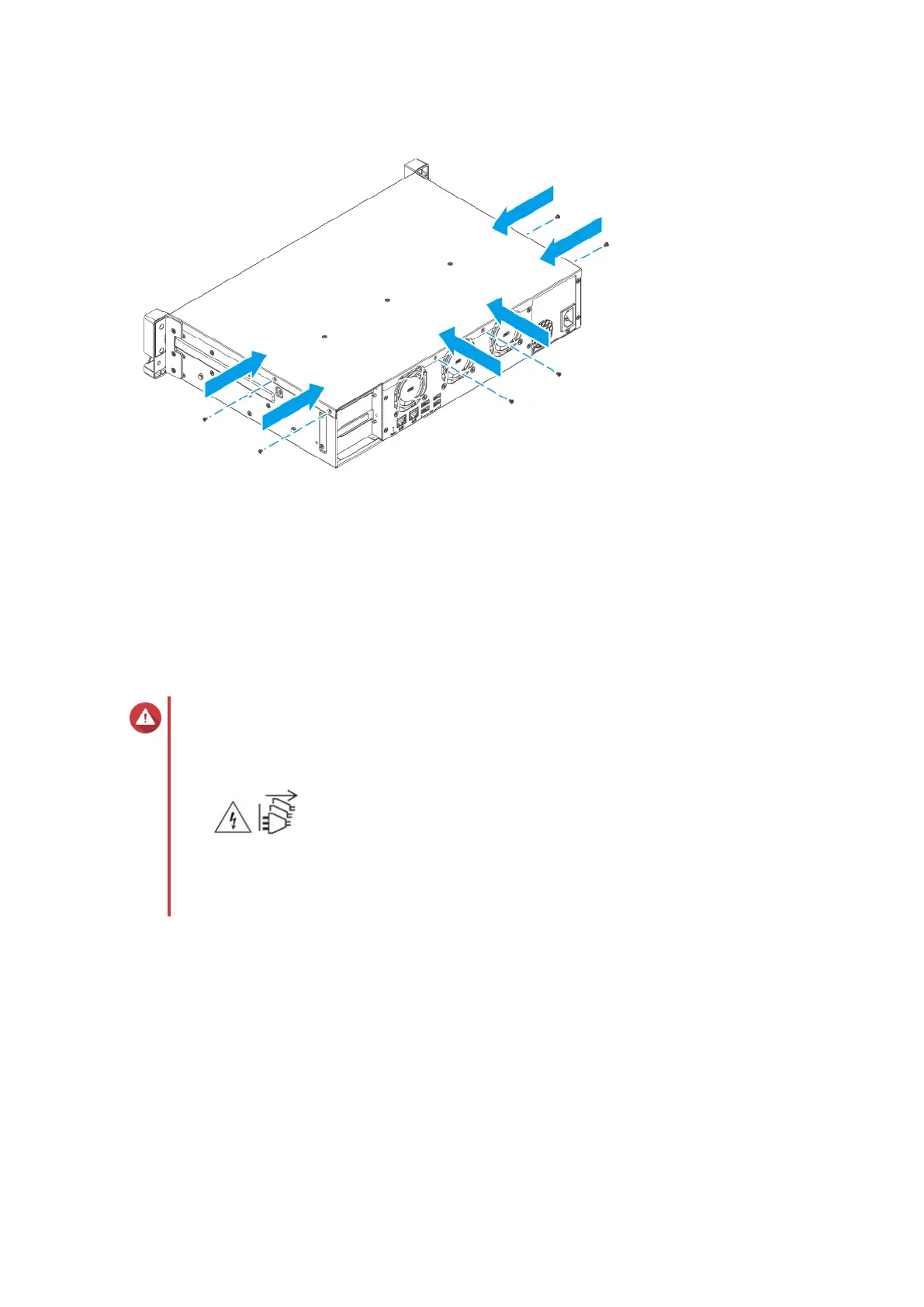
11. Connect all cables and external attachments.
12. Connect the power cord to the electrical outlet.
13. Power on the device.
Hot-swapping redundant power supply units
This section is only applicable to the TS-855eU-RP-8G.
Warning
• Electric shock hazard.
•
The NAS may have one or more power supply unit (PSU) cords. To avoid serious
injuries, a trained service technician must disconnect all PSU cords before installing or
replacing system components.
1. Disconnect the power cord from the electrical outlet and the power supply unit (PSU) that you are
replacing.
2. Firmly press the latch toward the handle and then pull the PSU out.
TS-855eU User Guide
Installation and Conguration 32



 To Next Page