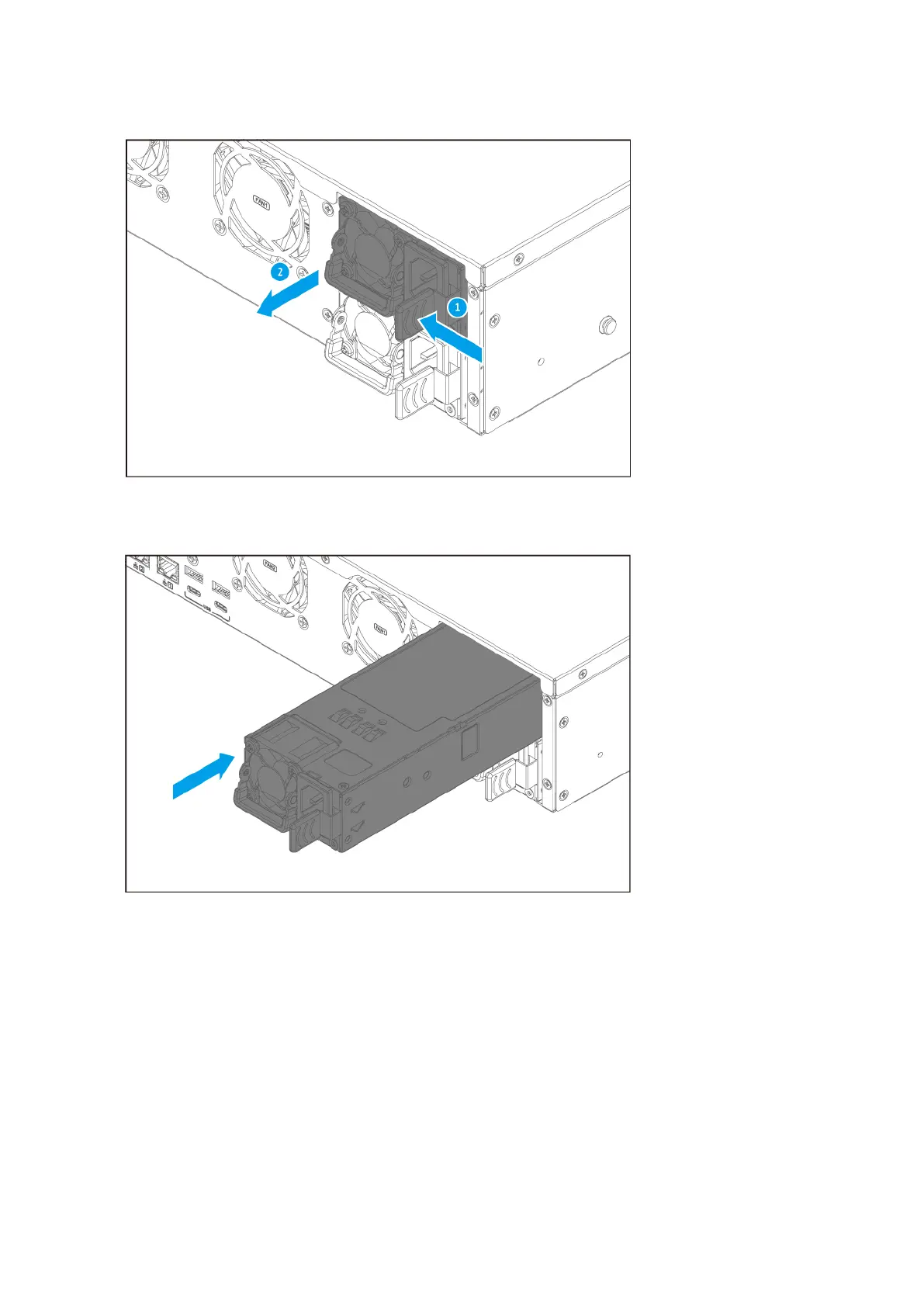
3. Insert the new PSU.
4. Connect the power cord to the PSU and the electrical outlet.
5. Enable alerts for PSU failures.
a. Log on to QTS as administrator.
b. Go to Control Panel > System > Hardware > General .
c. Select Enable Redundant Power Supply Mode.
d. Click Apply All.
TS-855eU User Guide
Installation and Conguration 33



 To Next Page