Installing expansion cards
The device supports selected expansion cards, some of which require QNAP PCIe brackets. QNAP-branded
expansion cards purchased from the company website are shipped with the brackets necessary to t the
device.
1. Power o the device.
2. Disconnect the power cord from the electrical outlet.
3. Disconnect all cables and external attachments.
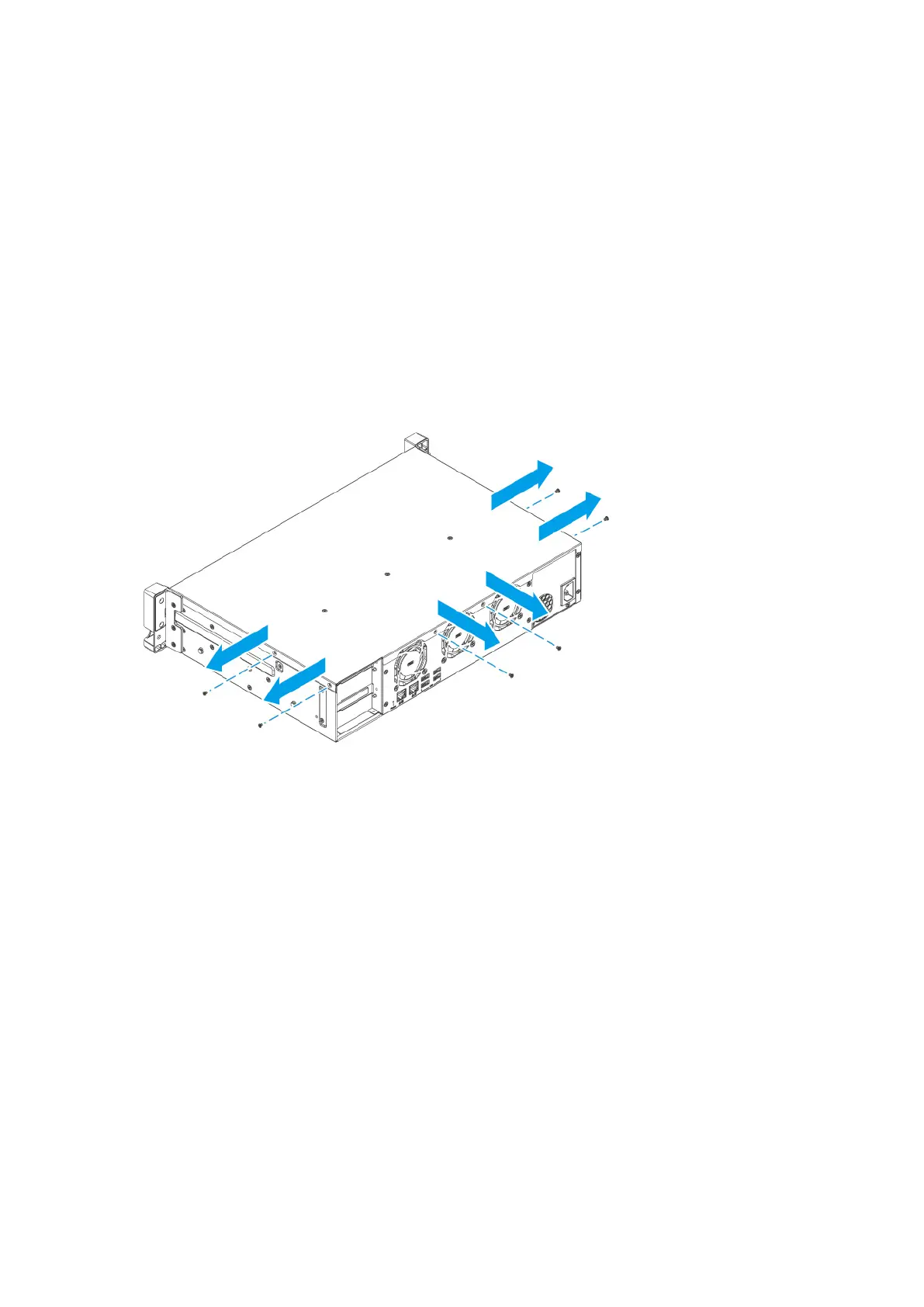
4. Remove the case cover.
a. Remove the screws.
b. Slide the cover back.
c. Lift the cover o the device.
TS-855eU User Guide
Installation and Conguration 26



 To Next Page