101
1001108-01-F
DAW – R / P (TM- P )
Record to and Playback from a Digital Audio Workstation.
IMPORTANT!: The
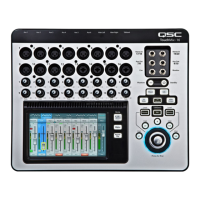
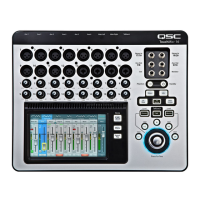
TouchMix-30 Pro is capable of 32 x 32
channel USB audio interface to Windows
and macOS computers. Windows
interface requires a driver available for
download from QSC. No driver is
required for macOS operation.
1.
Track button –
Touch the Track button to
select a DAW track as the source for the channel.
2.
DAW –
Indicates if the mixer is receiving
audio from the DAW (Connected) or not (Not
Receiving Audio).
3.
Sample Rate switch –
Switches the
mixers sample rate between 44.1 kHz and 48
kHz. The mixer must be the sample rate clock
master.
4.
Recording Mode button –
Touch this
to change the Recording Mode to MP3 Playback
or MultitrackUSB.
5.
Channel Activity
– Lights to indicate
audio is being received from the DAW on that
channel.
NOTE: To manage connections on the Mac – Open “Audio MIDI Setup” and select “QSC TM30 Pro.
Press
Rec/Play
Touch
Recording
Mode
Touch
Multitrack
DAW
Rec/
Play
Recording
Mode
Multitrack
DAW



 To Next Page