August 1, 2018 7014-285C 25
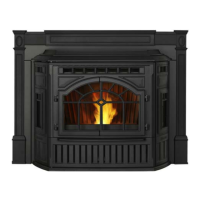
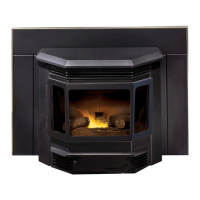
CB1200 Pellet Insert
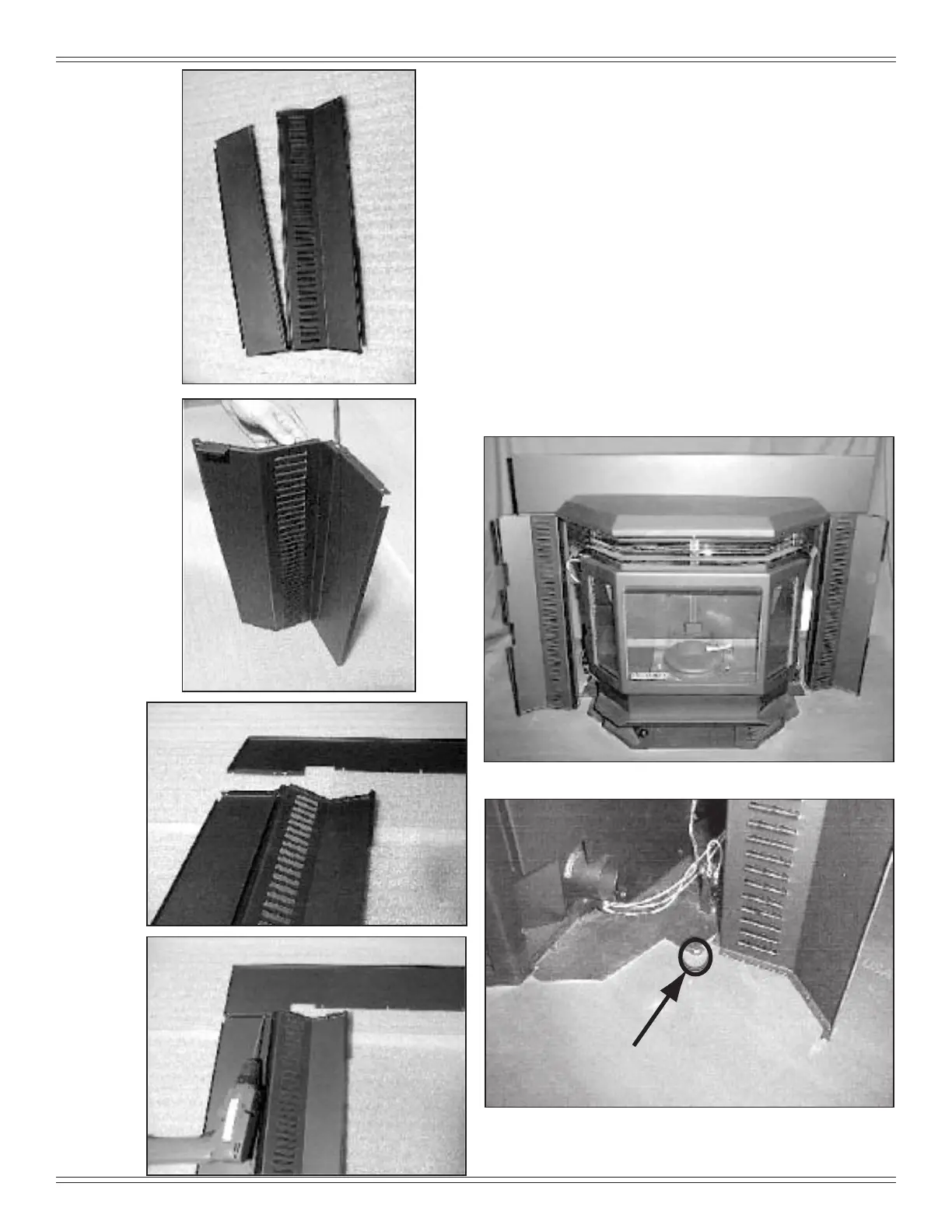
Figure 25.1
Figure 25.2
Figure 25.3
Figure 25.4
Figure 25.5
Figure 25.6
F. Panel and Trim Set (Cont’d)
5. Hold side curtains in open position and lower panel
set over insert setting lower edge of top panel in slot
between hopper lid and panel support as shown in
Figure 25.5. Place existing screw head (installed in
Figure 25.6) into locater hole in oor of insert. Figure
25.6.
6. Lift hopper lid and press down on panel top while
installing (4) 8-32 x 3/8 inch screws into holes in panel
support. (If screws have been factory installed, tighten
to secure panel to panel support.) Return hopper lid to
closed position.
7. Install a corner bracket on each side trim piece. Slide
brackets into top trim from each side and secure with
athead screwdriver. Attach trim assembly to panel set
as follows:
a. Ensure that brackets face towards the back.
b. Align trim assembly to panel set sides and slide
down
.



 To Next Page