August 13, 2018 7036-187M 13
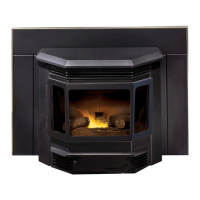
MT. VERNON AE INSERT
NOTE: User is responsible for removing the ash from the
ash drawer.
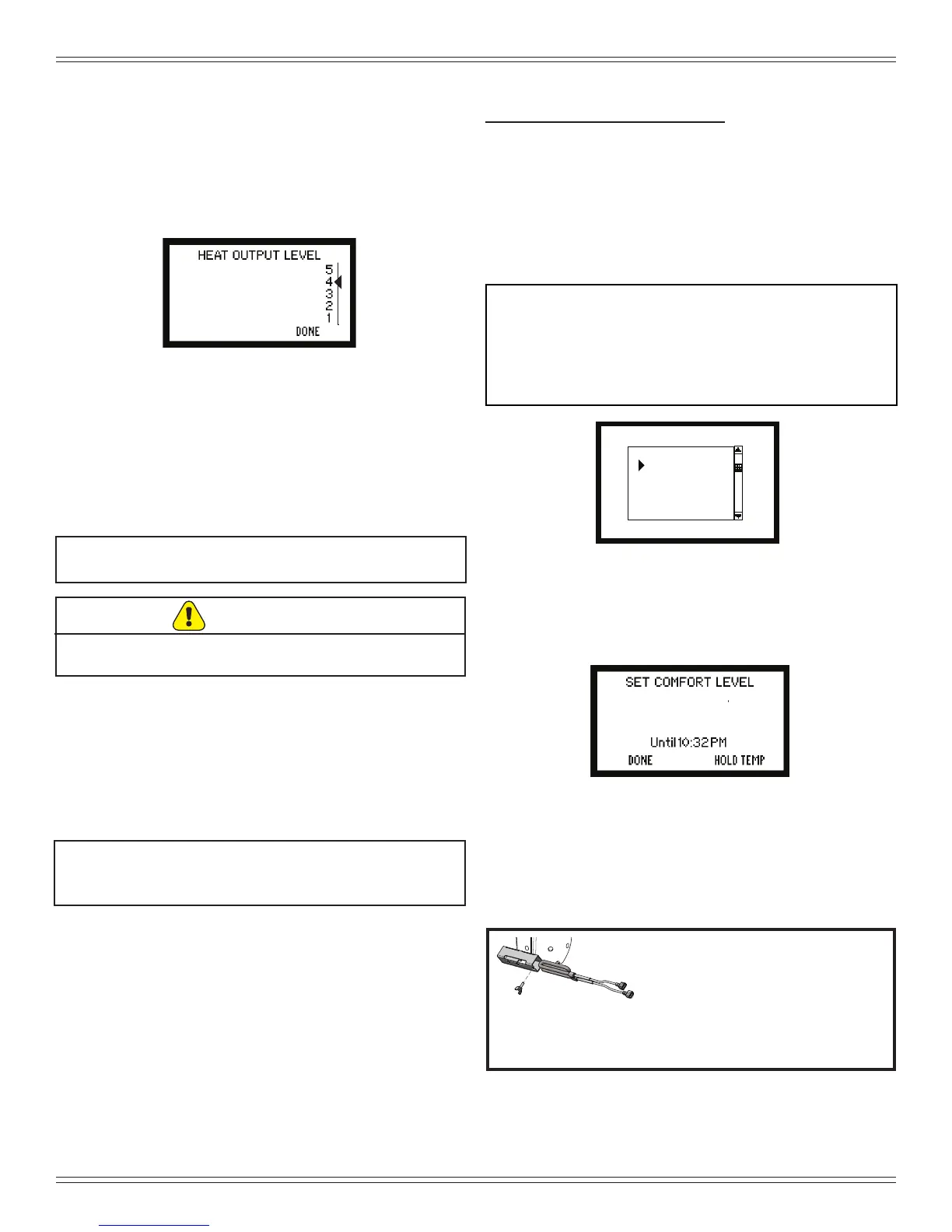
Medium High
Figure 13.1
Hot while in operation. Keep children, clothing and
furniture away. Contact may cause skin burns.
CAUTION
2. Thermostat Wall Control - Manual Setting
When you select “Manual” on the AUTO/MANUAL
screen the appliance will still automatically turn on and
off according to the temperature setting.
However, you will be able to manually control the heat
output levels. Adjust the heat output levels by using
the HEAT OUTPUT LEVEL screen (Figure13.1).
3. Auto-Clean Fire pot System
Your appliance is equipped with an automatic re pot
cleaning system that will change the frequency of
cleaning based on the fuel being burned.
The auto-clean system will clean itself immediately on
initial plug in. If there is a power outage, as soon as
power is restored it will recycle and clean itself if there
is no re in the re pot.
F. Before Your First Fire
• First, make sure your appliance has been properly
installed and that all safety requirements have been
met.
• Pay particular attention to the re protection, venting
and thermostat wall control installation instructions.
• Double check that the ash pan, hopper and rebox are
empty and then close the rebox door.
NOTICE: The tip of thermocouple must be in contact with
the inside end of the thermocouple cover or
missed ignitions can occur.
G. Filling the Hopper with Fuel
• Check the hopper and make sure it is empty before
lling with fuel.
• Open the cast top hopper lid.
• Do not over ll the hopper. The hopper lid must be
completely closed to maintain proper vacuum and for
the feed motor to operate. An error ICON will appear
on the wall control if the hopper lid is not properly
closed.
• Do not leave any part of the fuel bag on the appliance
after lling hopper.
H. Starting Your First Fire
1. Fuel Selection
To start your rst re, you must:
• Select the appropriate fuel on the FUEL SELECTION
screen on the thermostat wall control to match the fuel
you have chosen to burn.
• If the proper fuel is not selected your appliance will not
operate properly.
• For example, if you have selected wood pellets and you
are burning corn, the appliance may not light, it may go
out or overfeed (Figure 13.2).
NOTE: If you are lighting your appliance for the rst time:
• The feed tube will be empty and it can take some
time to ll it with fuel before you will see a re
• Put a handful of fuel in the re pot (priming) to speed
up the process. You can also do this when you have
run completely out of fuel.
Figure 13.3
74
ºF
A 300 Watt Igniter comes installed
in a brand new Mt. Vernon AE and
are for use with pellet fuel only.
The 380 Watt Igniter is required
for burning multi-grain fuels and is included in
the component pack. Multi-fuels include, corn,
sunower seeds, and wheat.
Sunflower Seeds
Corn
Utility Pellet
Softwood Pellet
Wheat
Hardwood Pellet
DONE
SELECT
FUEL SELECTION
Figure 13.2
2. Comfort Level Selection
Once your fuel is selected, select the temperature at
the desired setting on the SET COMFORT LEVEL
screen (Figure 13.3).
3. Automatic or Manual Setting
The automatic setting will control the heat output based
on the comfort level selection. The manual setting
allows you to manually control the heat output settings
(See page 10 - Ignition Cycles).


 To Next Page