8 7036-187M August 13, 2018
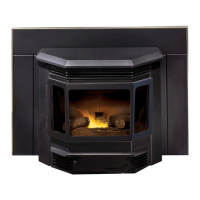
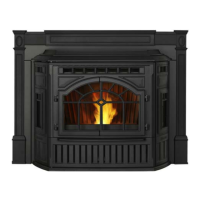
MT. VERNON AE INSERT
READY
71
Set at: 74
12:30 PM
HEAT OUTPUT
MENU
Hold at:
Medium High
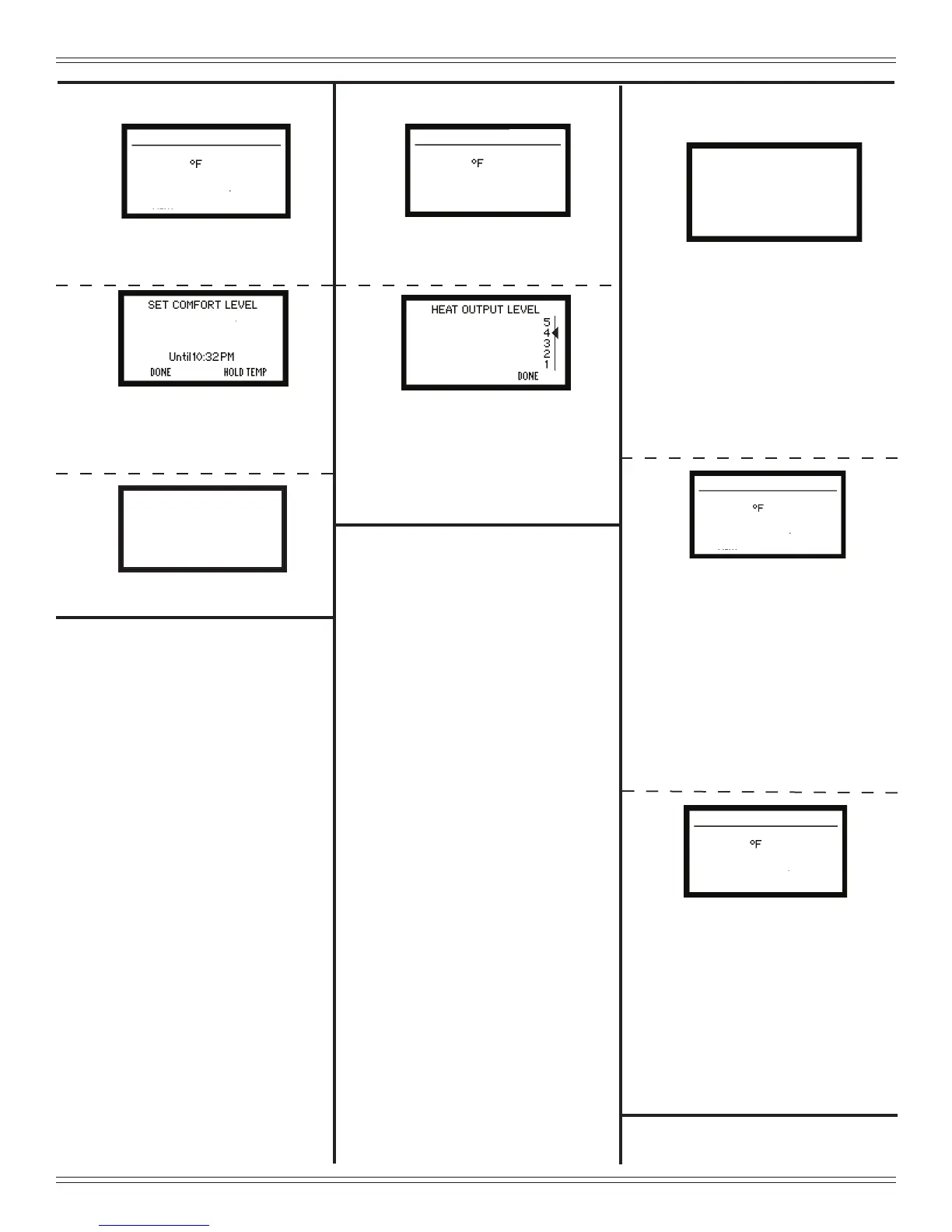
Setting Heat Output
74
ºF
Setting Comfort Level
READY
71
Set at: 68
12:30 PM
HEAT OUTPUT
MENU
SET COMFORT LEVEL
ON HOLD
RESUME
DONE
74
ºF
HOPPER OUT OF FUEL
SHUTDOWN
71
Set at: 74
12:30 PM
HEAT OUTPUT
MENU
Hold at:
STARTUP
71
Set at: 74
12:30 PM
HEAT OUTPUT
MENU
Hold at:
Min Firepot Temp
SERVICE
RETRY
ERROR LIST
1. Press and hold “UP” or “DOWN”
button to set desired temperature.
NOTE: Set temperature must be 3
degrees higher than room
temperature for appliance to
start.
2. Press “HOLD TEMP”.
3. Press “DONE”.
1. At the starting screen, press “HEAT
OUTPUT”.
2. Use the “UP” button to change
“HEAT OUTPUT LEVEL” to
”MEDIUM-HIGH”.
3. Press “DONE” twice or wait 15
seconds for starting screen to re-
appear.
1. If the appliance has stopped
operating, check the wall control
screen. If it is showing “Min Fire
pot Temp” the hopper has run out
of fuel.
2. Fill the hopper with fuel and press
the “RETRY” button twice. The
rst time turns on the back light,
the second time starts the retry
function.
3. If the wall control screen changes
to a “SHUTDOWN” screen that
means your appliance has not
completed the full shutdown cycle.
Depending on where it was in the
cycle it can take from one to ten
minutes to restart.
When the shutdown cycle is
complete the wall control screen
will display “STARTUP”. Continue
to Step 4.
4. If the wall control screen changes
to a “STARTUP” screen after
pressing “RETRY” that means
your appliance has already
completed the shutdown cycle.
You must wait until the wall control
screen displays the startup screen
and then put 1/2 cup of pellets in
the re pot for a quick restart.
5. Be sure the hopper lid and glass
door are both closed.


 To Next Page