GL320M Series User Manual
QSZTRACGL320MUM0100 4
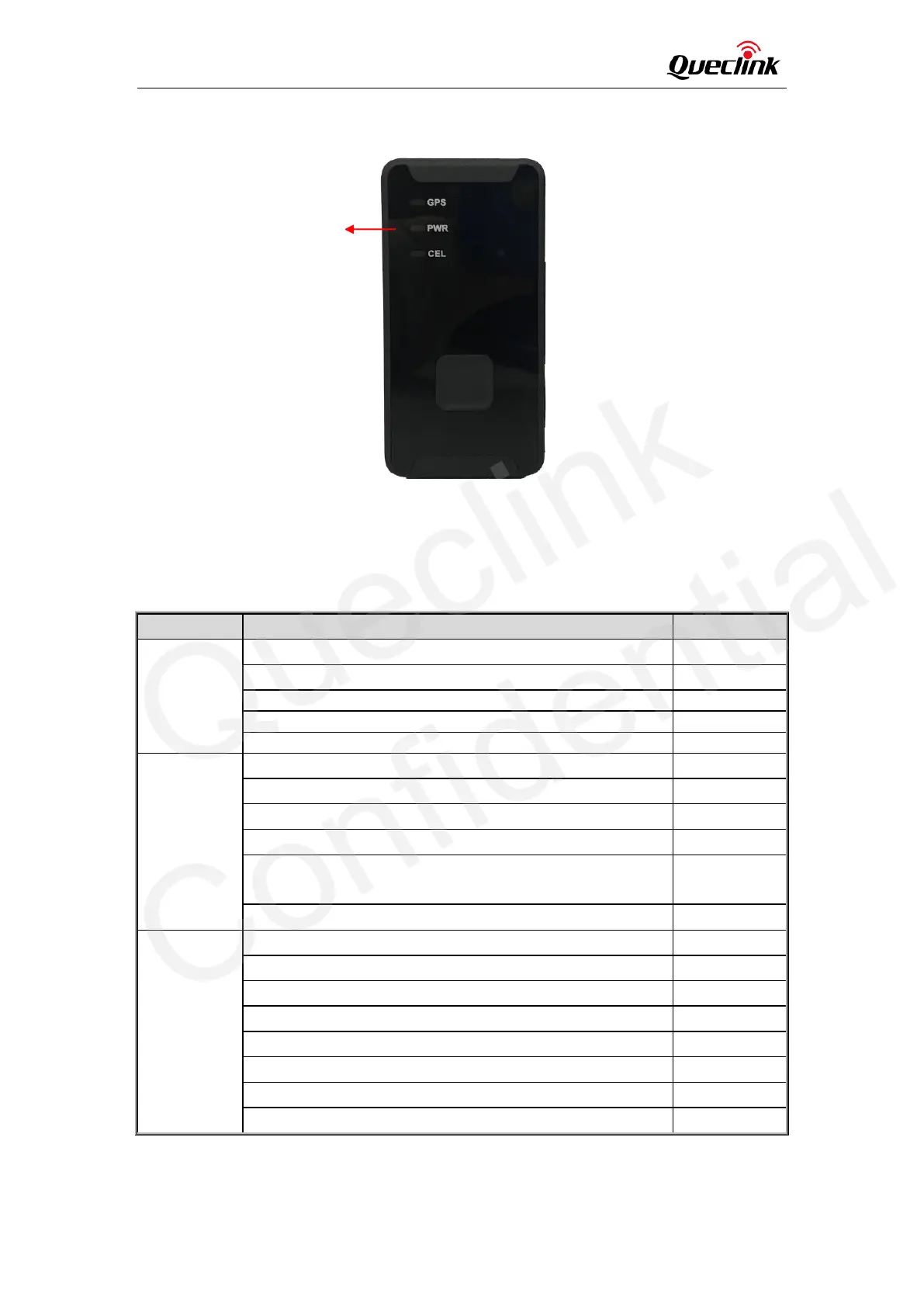
2.3. LED Description
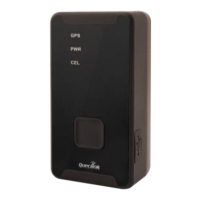
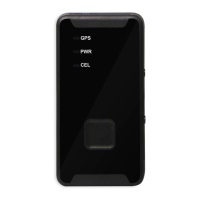
Figure 2. GL320M LEDs
There are three LEDs on GL320M. For details, please see the table below.
Table 5. GL320M LED Description
Note: Please refer to GL320M Series @Track Air Interface Protocol for the settings of <LED
On>.
The device has been registered to network.
GPS has fixed a position.
GPS is in the process of fixing.
GPS is on and GPS data is wrong.
150 seconds have passed after power on when <LED On> is
set to 2.
Charger inserted and charging completed
Charger inserted and charging
Power key is pressed to power off the device.
The power light is turned off by command.


 To Next Page
 Loading...