Ⅳ. Parameter setting and operation
7
Ⅳ Parameter Setting and Operation
4.1 Standby Interface
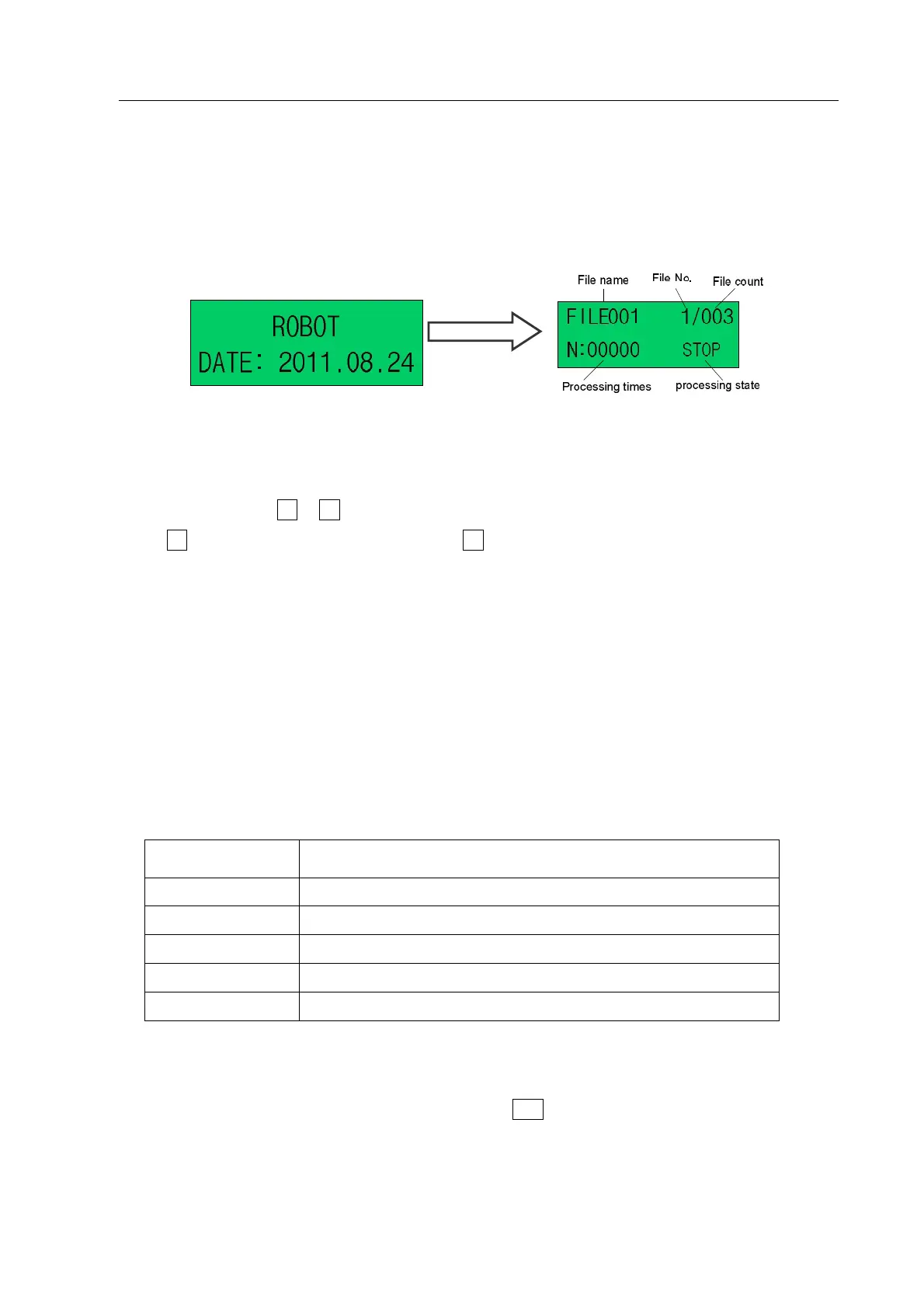
Turn on the power switch, the system will enter initializing interface and then enter standby interface as
following pictures “4-1 & 4-2”.
Pic.4-1: Initializing Interface Pic. 4-2: Standby Interface
1. Select File
Select file by pressing Z or Z key.
Press Z key can select the previous file and press Z key can select the next file.
2. Processing Times
“N: 00000” at the lower left corner of standby interface, shows single processing times, or shows loop-work
processing times in circulating processing mode, which patten is “Already processing times /total set
processing times”.
3. Processing State
At the lower right corner of standby interface, display the file processing state. The processing state changes
with the processing course. The file processing states are as following table.
Form 4-1: File Processing State
Working
Remark
RESET Return to initial position.
STOP The process has been stopped.
WORK In the processing.
PAUSE The process has been paused.
WAIT Waiting time of changing product during the loop-work process.
4.2 Function Test
1. Enter function test interface: in standby interface, press ESC key to exit standby interface and enter
function test interface.



 To Next Page