Ⅳ. Parameter setting and operation
9
4.4.1 New File
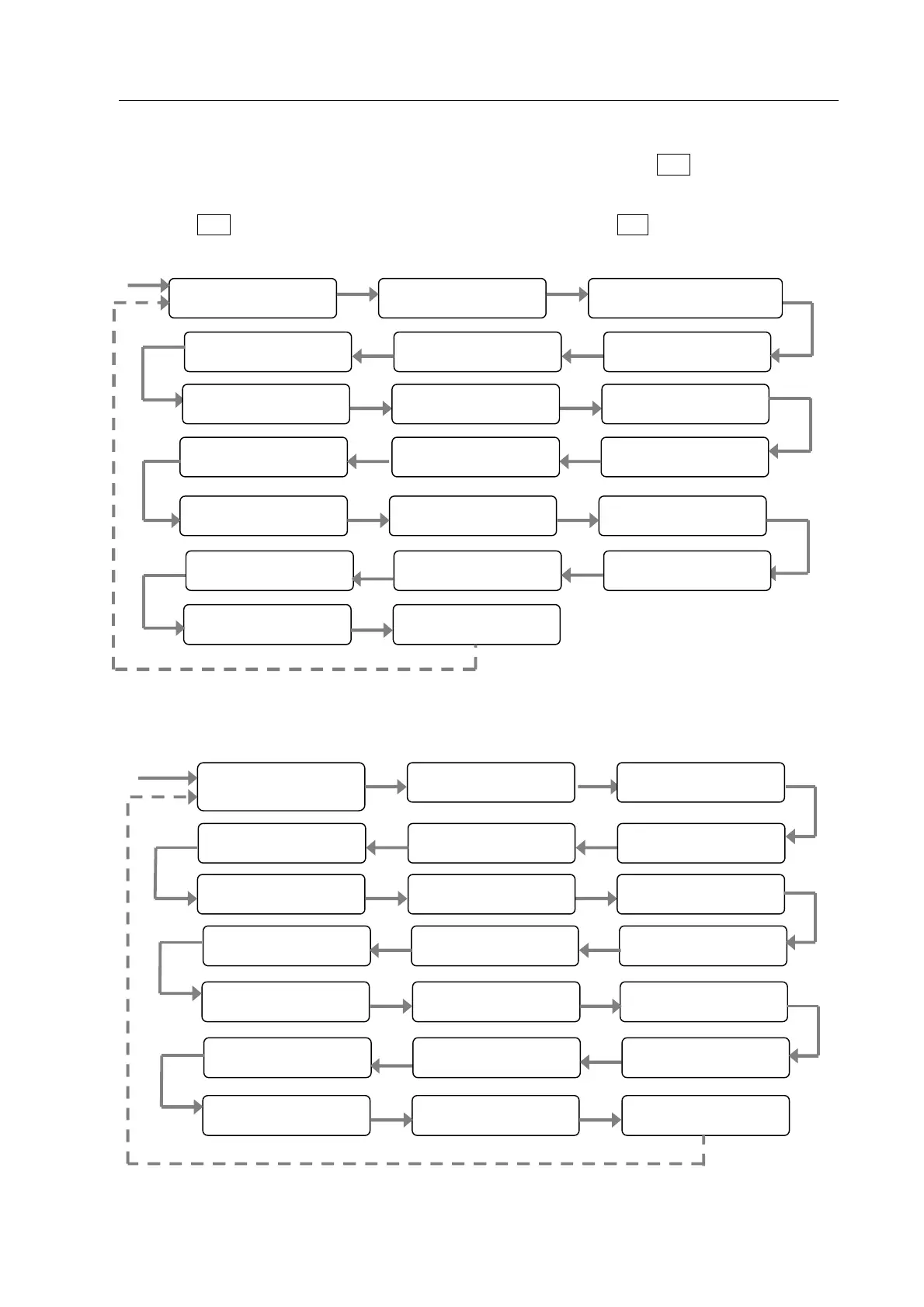
1. In “File Program” interface, select“New” to increase a file, and then press “ENT” into new file setting
interface.
2. Press “ENT” key enter the next parameter setting, and then press “ESC” key exit from the current
setting interface and return to file edit interface. Parameter setting of new file as follows.
3. If file name is “CLEAN”, which means the current file is a clean file. Parameter setting process is as
follows.
File Name
Loop
Z Accr Speed Z Max Speed Work Point
1
st
Height 1
st
Feeding
1
st
Delay 2
nd
Feeding 2
nd
Delay
3
rd
Feeding 3
rd
Delay 4
th
Height
4
th
Feeding 4
th
Delay
Home Point
Init Speed
Clean Cycle
4
th
Speed
1
st
Speed
(File Name)
Loop
Z Accr Speed Z Max Speed Work Point
1
st
Height 1
st
Feeding
1
st
Delay 2
nd
Feeding 2
nd
Delay
3
rd
Feeding 3
rd
Delay 4
th
Height
4
th
Feeding 4
th
Delay
Home Point
Init Speed
Clean Delay Clean Output
4
th
Speed
1
st
Speed



 To Next Page