Ⅳ. Parameter setting and operation
15
4.5 Parameter Shortcut Setting
1. In the standby interface, it can immediately enter feeding parameter setting by pressing “ ” key. And
it can set 1
st
feeding parameters, 2
nd
feeding parameters, 3
rd
feeding parameters and 4
th
feeding
parameters.
2. After setting finished, press “ENT” key to standby interface.
4.6 System Parameter and Cylinder Parameter Setting
1. In standby interface, press “ ” key can enter the 1
st
height parameter setting (as 4.4.1.7). And then
press “ ” & “ ” keys simultaneously and not loosenly until enter System Parameters Setting
Interface.
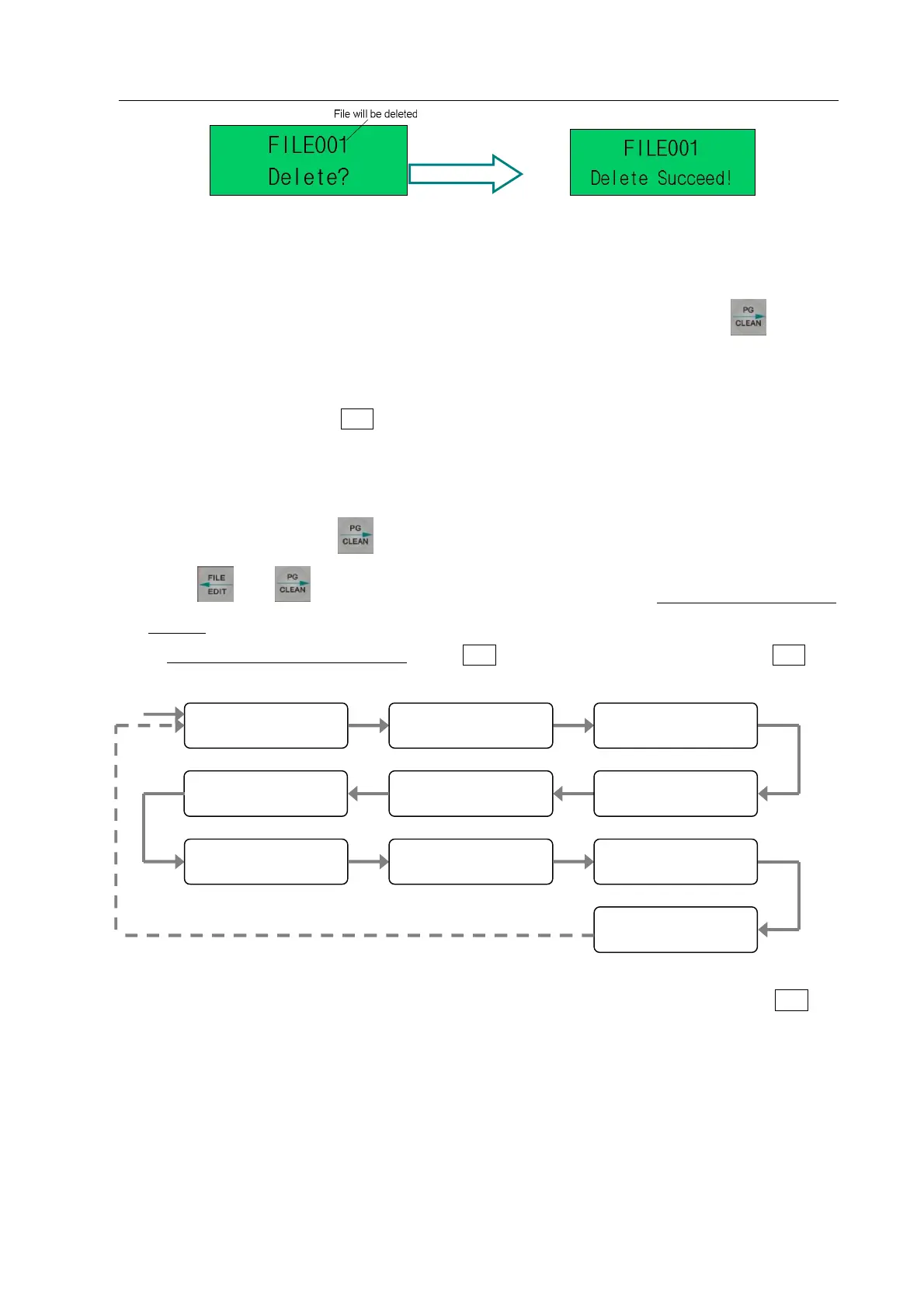
2. In System Parameters Setting Interface, press “ENT” key enter next parameter setting, press“ENT”key
exit system parameter setting.
3. Firstly, enter “Step Length” interface and it can set the step moving length. After setting, press ENT key
into the next parameter setting interface.
Step Length
(
)
Pulse Const
Start Key Work Foot Key Input1 Effective Level
Input2 Effective Level
Input3 Effective Level
Input4 Effective Level
Cylinder Sensor



 To Next Page