Ⅳ. Parameter setting and operation
14
clean. If clean cycle is 0001, it means clean after processing one time. If clean cycle is 0002, it means
clean after processing two times.
2. If clean cycle is not 0 and the soldering times is 0, it will clean the tip automatically before the next
soldering.
3. After setting, press ENT to save setting parameter and finish the whole file parameters setting.
4. After finishing setting, press ESC to exit the parameters setting interface.
4.4.1.10 Clean Delay Setting
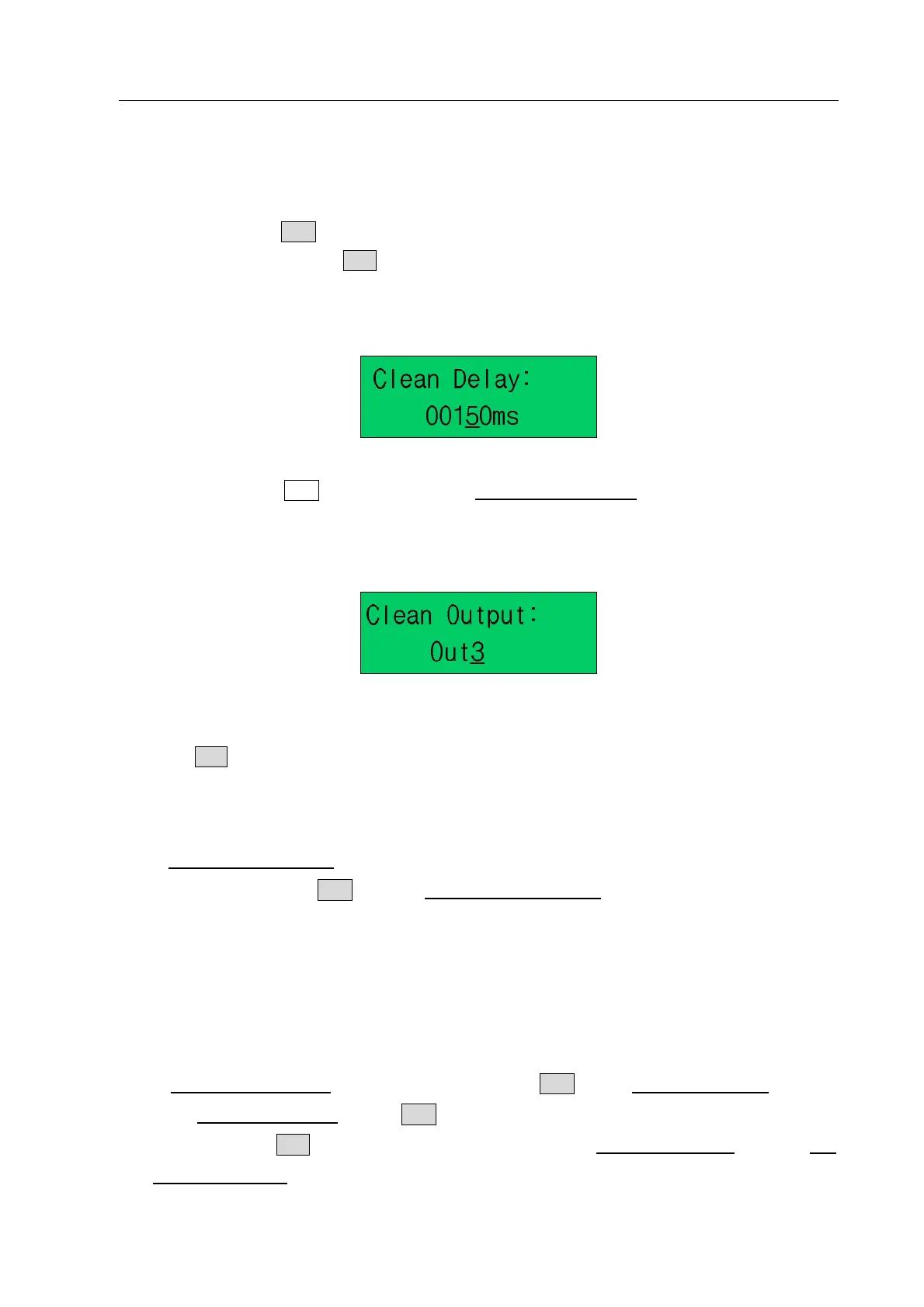
1. Clean delay: it is the browing time when cleaning the tip. It is only included in CLEAN file.
2. After setting, press“ENT”key save and enter the Clean Output interface
.
4.4.1.11 Clean Output
1. Clean output: in the clean out interface, the window shows “OUT3”, which is output port controlling the
air blowing and not to be set. This parameter is only included in CLEAN file.
2. Press “ESC” key can exit setting interface.
4.4.2 Edit File Parameter
1. In File Program Interface, select “Edit” by pressing “←” or “→” key, “Edit” flashing display after
selected. And then press “ENT” into the “File Edit setting interface”.
2. File editing will not add file quantity, and only used to change current file parameters.
3. The parameters are same with the new file. And the parameters setting method can refer “4.4.1 New
File”.
4.4.3 Delete File
1. In File Program Interface, select “Delete” and then press ENT into the File delete interface.
2. In the File delete interface, if press ENT, the file will be deleted and the window will show “Delete
Succeed”. If press ESC, it will not delete the selected file and exit File delete interface and return File
Program Interface.



 To Next Page