16
7. Functions of Menu Options
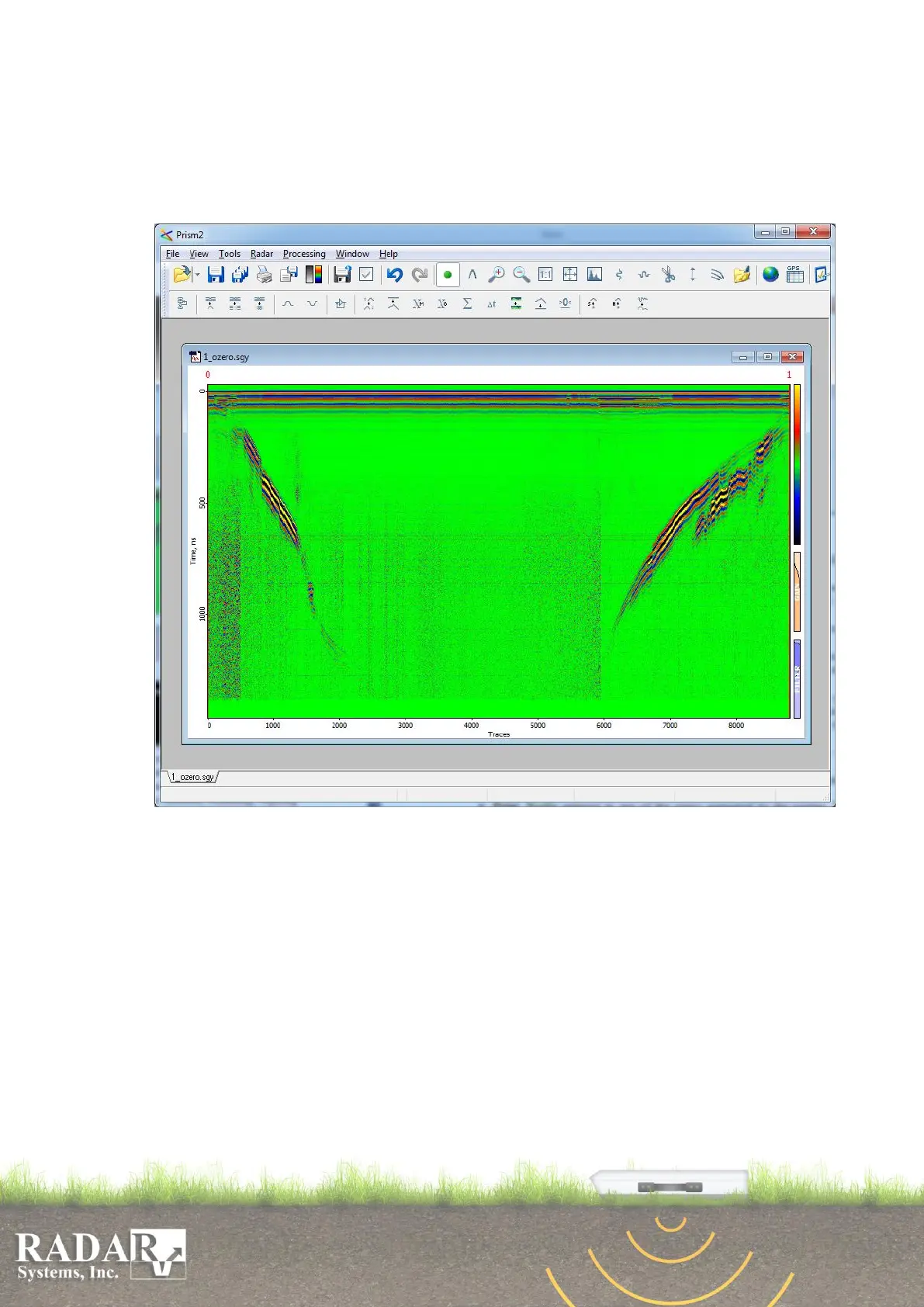
The full menu is displayed on the screen upon opening of the data file. Here, functions are
listed for each option of the horizontal menu, followed by descriptions of respective options of
vertical menus.
Fig. 7.1 Full Menu of “Prism2”.
7.1. File – various file handling operations and printout.
Open – using this option, you may select a proper file and have it displayed on the screen,
by typing its file name in File name line, or choosing a proper file in the list and load it by
pressing button Open. In needs of opening more than one file at once please select them
beforehand with the right mouse button click. At the same time, this option offers some
other standard features, such as deletion, renaming, copying and creation of folders and
files.


 To Next Page