P1520 User Guide
Version 1.2 13 04/02/07
This section of the guide covers some of the common peripheral components that you may want to connect to
the P1520.
Using the RS-232 Ports
You can connect various peripheral devices to the P1520 by using any of the six powered RS-232 serial ports
located on the bottom panel. Some peripherals that are commonly supported by the RS-232 ports include
scanners, printers, and cash drawers.
NOTE: Other peripheral devices may also be compatible with the RS-232 serial ports. Please refer to each
device’s User Manual to determine which type of port it supports.
¾ To connect a peripheral device to one of the RS-232 serial ports on the P1520, plug the device cord into
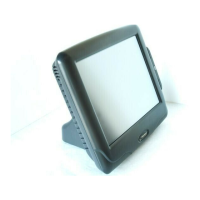
any of the serial ports (labeled RS232 1, 2, 3, 4, 5, and 6 on the bottom panel). See picture 2-1 for a visual
reference of the ports’ location.
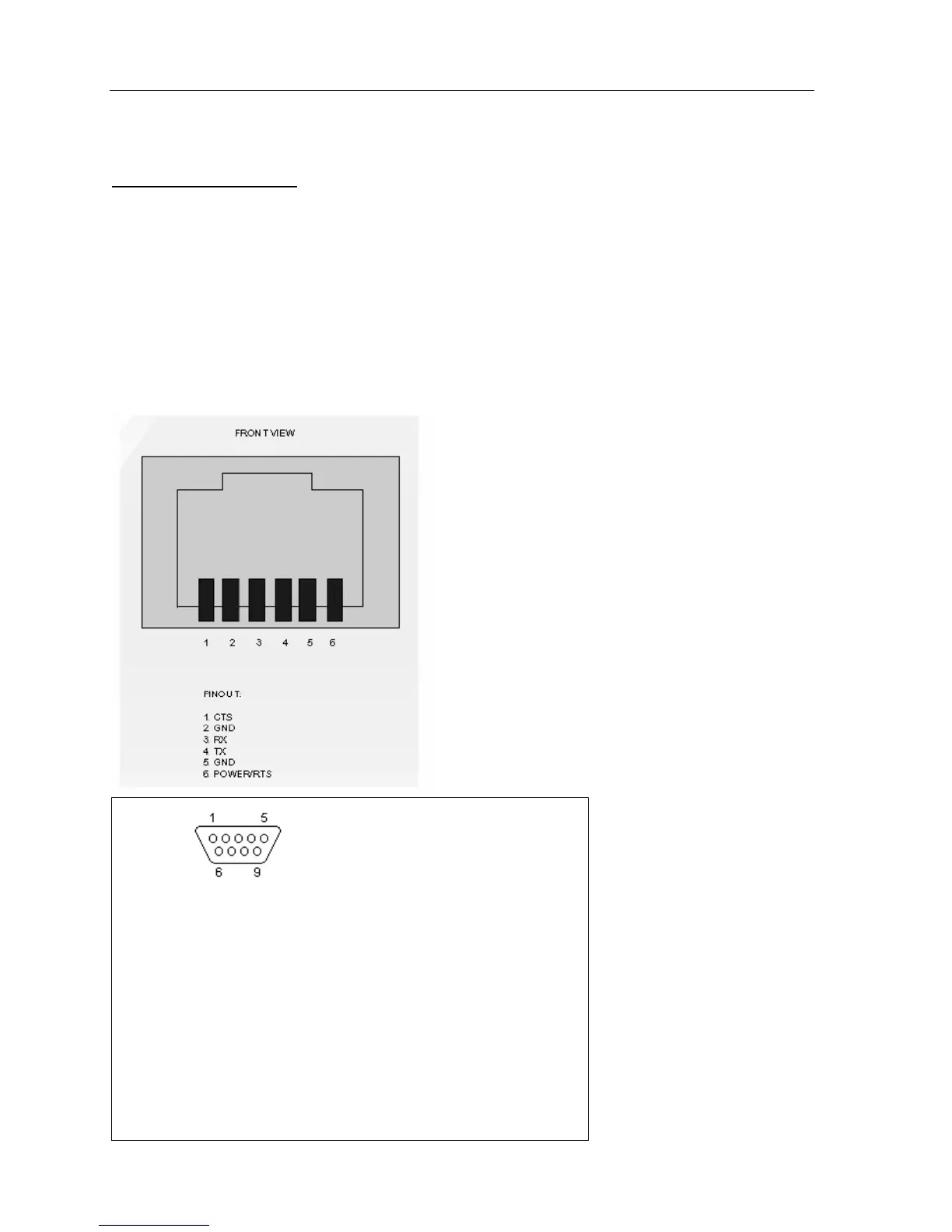
¾ The RS232 ports use RJ11 and DB9 connectors (12v, 500 mA). Maximum 18 watts with Radiant.
DB9 pin D-SUB male
Pin Name Direction Description
1 CD «— Carrier Detect
2 RXD «— Receive Data
3 TXD —» Transmit Data
4 DTR —» Data Terminal Ready
5 GND System Ground
6 DSR «— Data Set Ready
7 RTS —» Request to Send
8 CTS «— Clear to Send
9 RI «— Ring Indicator
Note: Direction is DTE (Computer) relative DCE (Modem).


 To Next Page