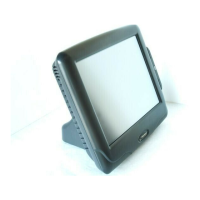
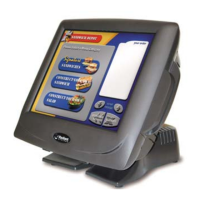
P1520 User Guide
Version 1.2 1 04/02/07
Table of Contents
Format/Contents..............................................................................................ii
Text Notations.................................................................................................ii
Text Symbols ..................................................................................................ii
1. Introducing the Radiant Model P1520 POS Terminal ......................... 3
Model P1520 Every-Unit-Item Features and Benefits..................................4
Model P1520 Optional Features................................................................................................5
Specifications..............................................................................................7
2. Installing the P1520.............................................................................. 8
Wall Mount Installation - P762F004*.........................................................................................9
Setting Up the P1520 ................................................................................11
Cable Management System .......................................................................11
Connectivity (I/O) panel...........................................................................11
Terminal Model Number Labels .................................................................12
Operating Systems....................................................................................12
Connecting the Power Source ...................................................................12
Connecting to a Network...........................................................................12
Connecting Peripheral Devices..................................................................12
Using the RS-232 Ports...........................................................................................................13
Using the USB Ports................................................................................................................14
Using the Direct Drive Cash Drawer Ports..............................................................................14
Connectivity TOP panel...........................................................................................................14
Using the PCI Expansion Slot .................................................................................................15
Storage .....................................................................................................15
Hard Drive Storage..................................................................................................................15
Compact Flash Storage...........................................................................................................15
uDOC Storage .........................................................................................................................15
LED Diagnostics.........................................................................................16
3. Using the P1520.................................................................................. 16
Starting Up the P1520...............................................................................16
Shutting Down the P1520 .........................................................................16
Optional Mylar Overlay on the P1520 Resistive Touchscreens...................17
Touch Calibration ......................................................................................18
4. Upgrading/Replacing Components .................................................... 19
Replacing a MSR........................................................................................19


 To Next Page