Radiolink Electronic Ltd
www.radiolink.com
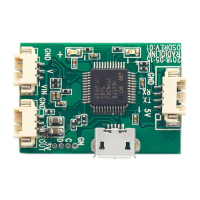
For the com port that can't be identified, it's probably because that it's an previous
generation OSD you've bought. Please download the RADIOLINK Mission Planner via this
link. http://radiolink.com.cn/doce/product-detail-133.html Then the driver will be installed
automatically then the port would be identified.
1/ Install the MP ( which you have done)
2/ Click OSD_uploader.exe to open
3/ Select the firmware osd.bin and double click
(If the driver/MP is successfully installed, it will start searching right port immediately and
automatically)
4/ Quickly connect (better within 8s) your OSD module with the computer with a USB cable
5/ When the port is identified, the firmware will be flashed


 To Previous Page